remove.bg is happy to introduce Magic Background, their brand new AI background generator that transforms any image into a polished visual in just seconds. And the best thing? You won’t need to write a prompt. You can create a background with just a few clicks. Keep reading to learn how.
목차
How to generate a background
-
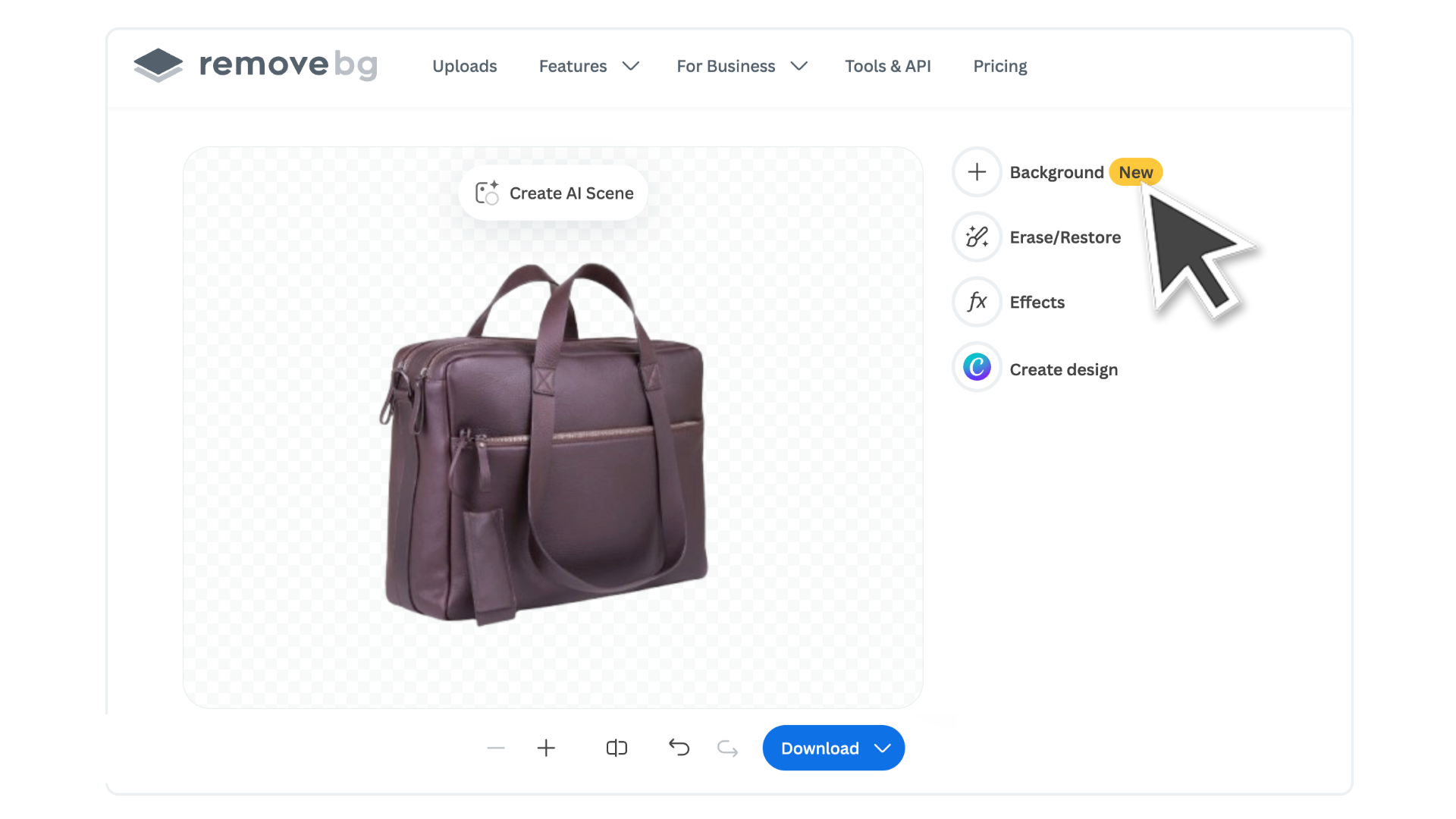
Upload your image to remove.bg and then click on > Create AI Scene, or go to Background > Create AI Scene.
-
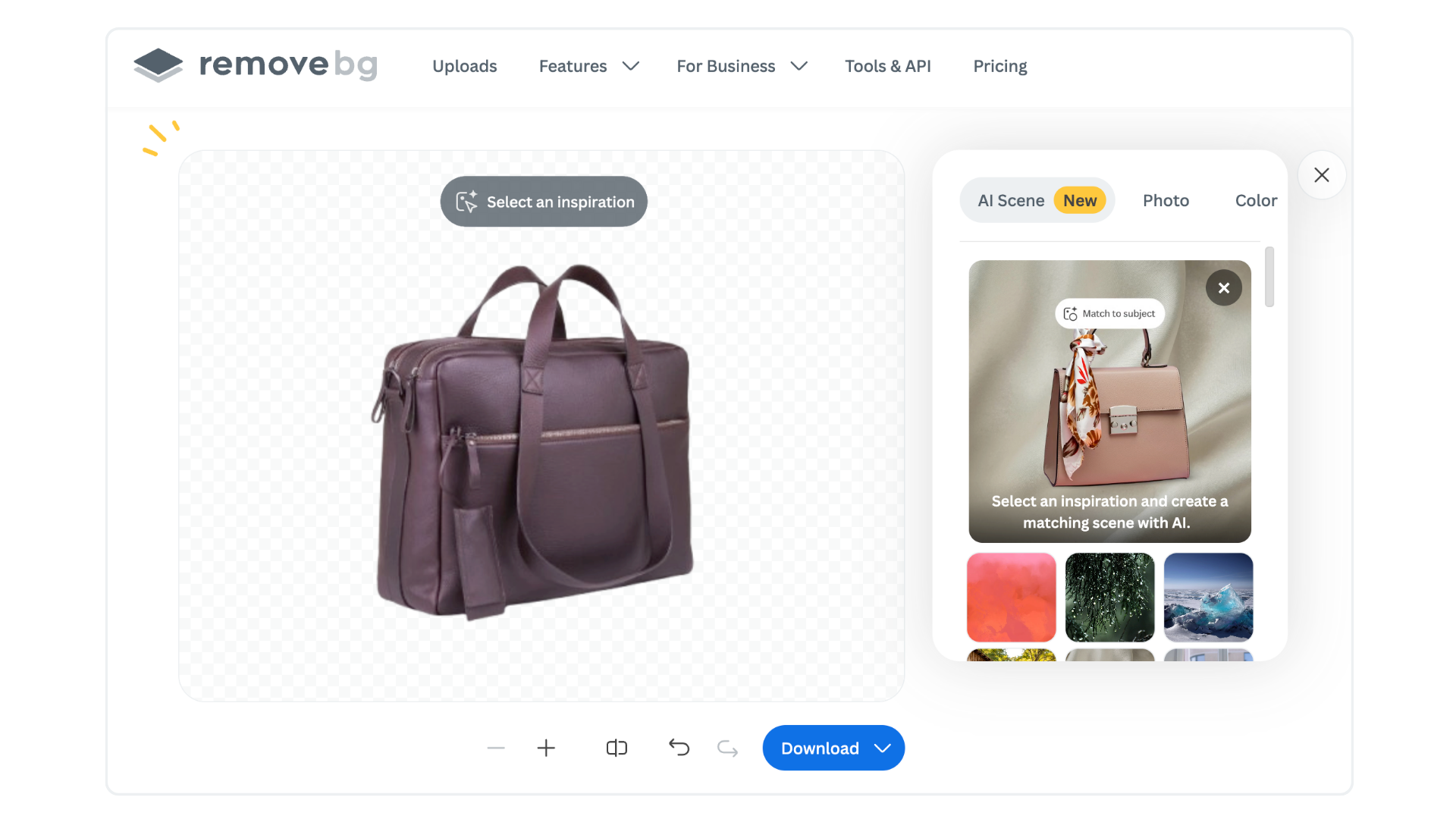
Now browse through different background styles in the gallery. Choose the one that suits your image the best.
-
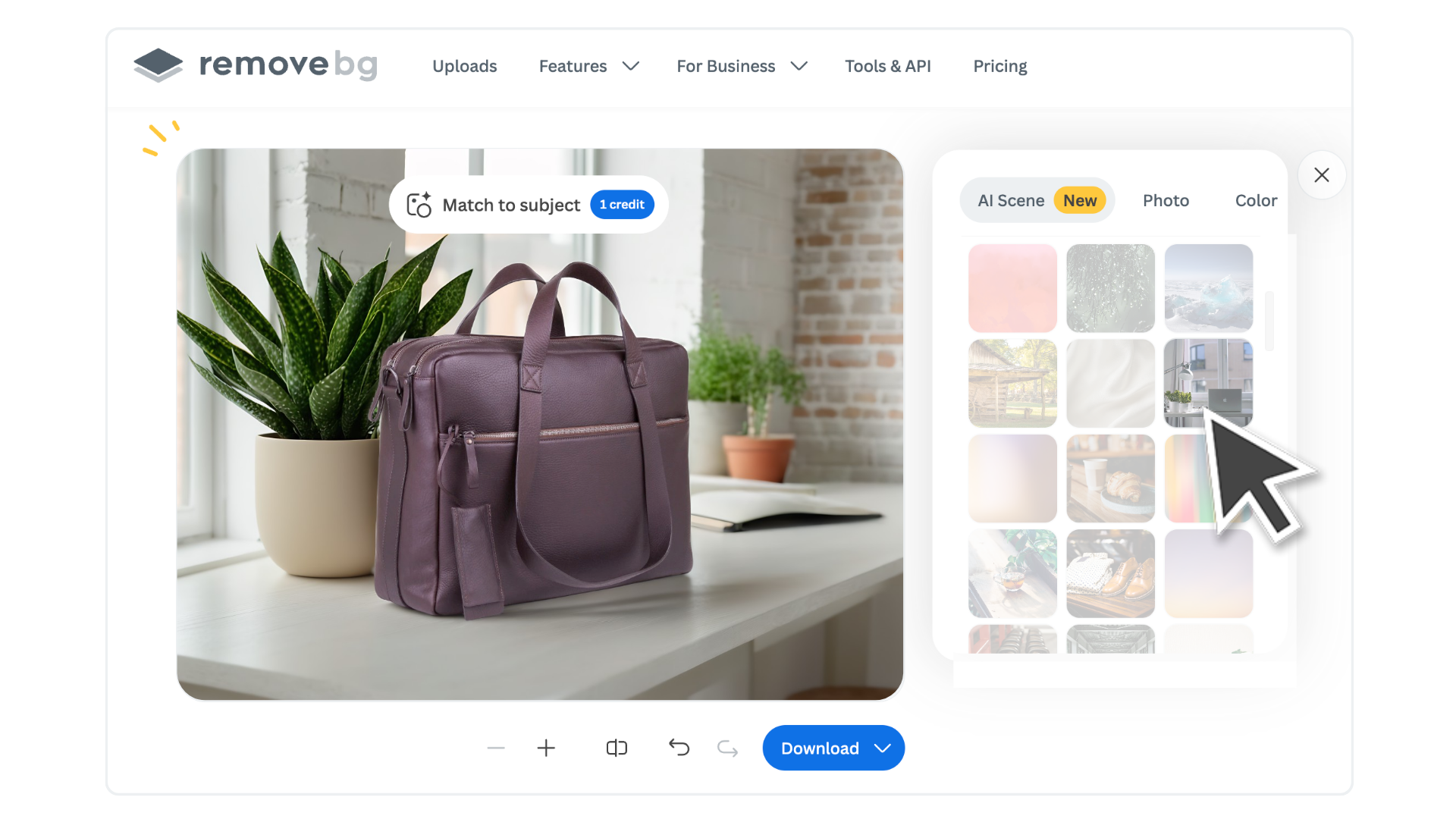
Then click on > Match to subject. You will need to purchase credits to use this feature. The AI will automatically analyze your subject and background and generate a backdrop that matches its proportions and style.
-
If you don’t like the result, you can click on > Match Again and the AI will generate a new background for you.
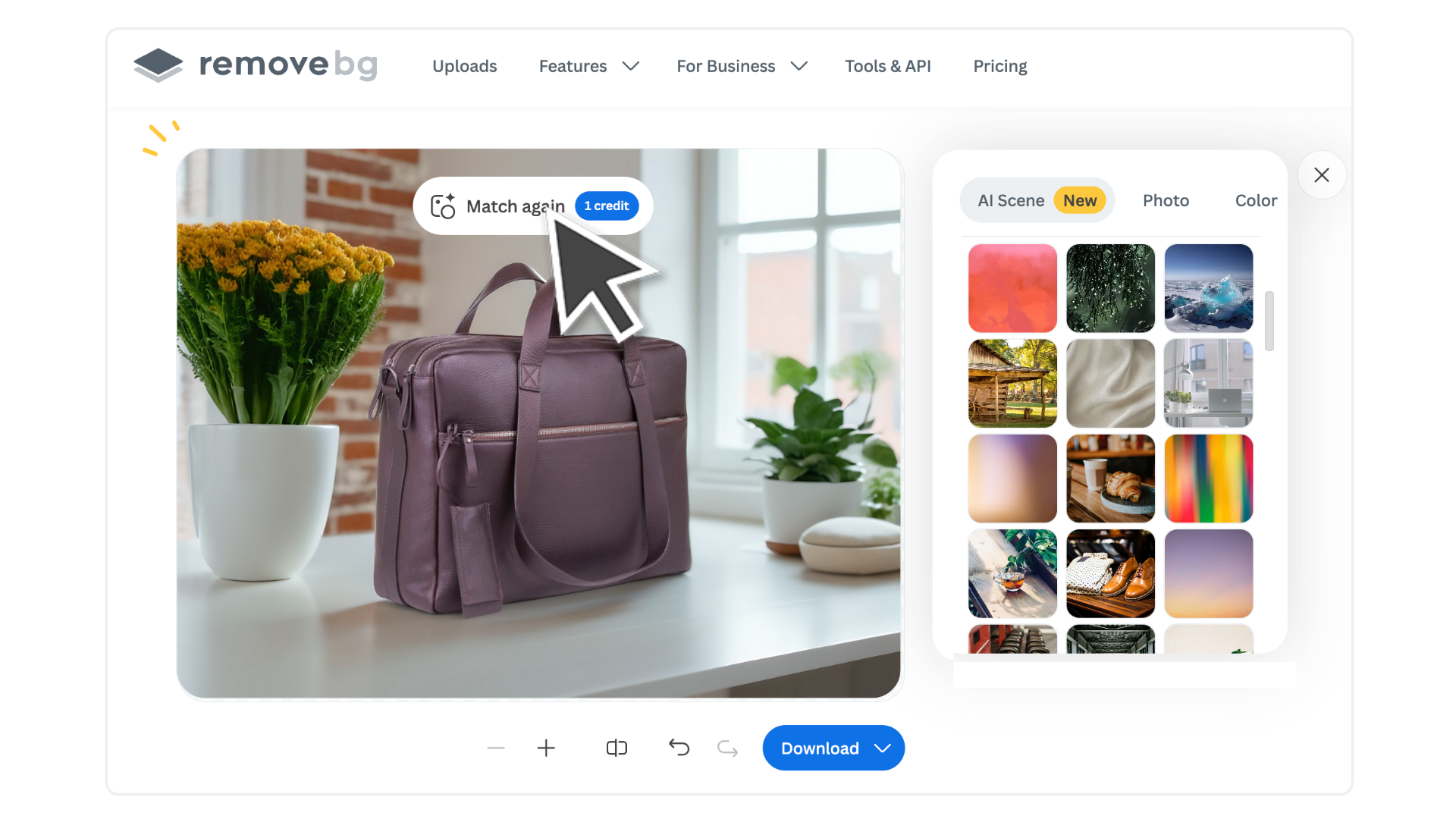
That’s all. Now click on > Download and choose whether to download the image as a preview (free) or in max quality.
What differentiates Magic Background from normal backgrounds?
You’ve always been able to add a custom background with remove.bg by uploading your own image or selecting one from the gallery. Magic Background takes it one step further:
Smarter proportions: The background scales to your subject for a cohesive look
Perspective matching: No awkward angles or floating products, everything lines up
Style-aware generation: The AI considers the style, and mood of the background to create a more unified and visually pleasing result that fits your subject perfectly
Instead of forcing your subject into a new scene, Magic Background builds a scene around your subject so everything feels like it belongs together.
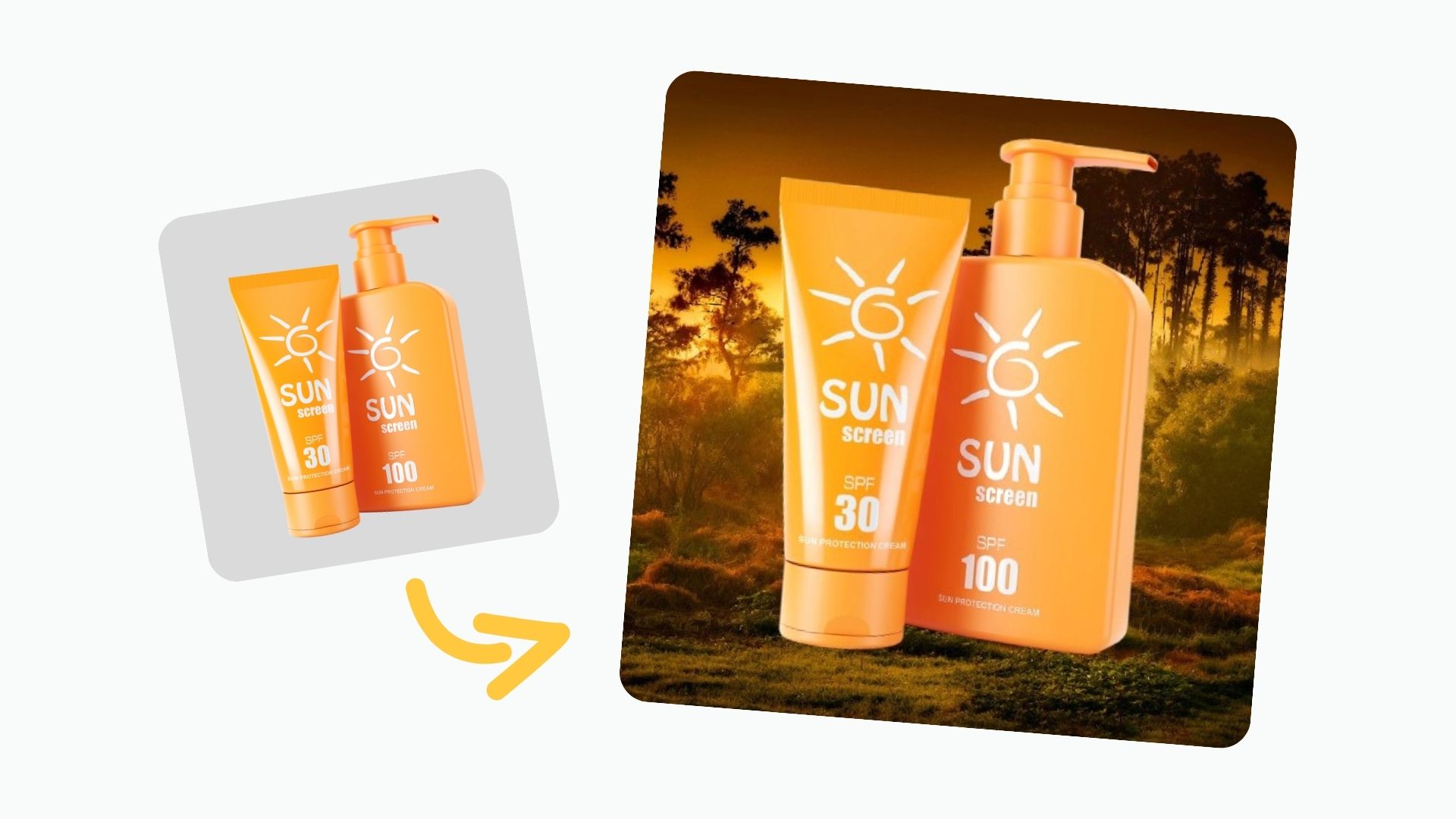
See for yourself
Here’s how Magic Background can help you get more done in less time:
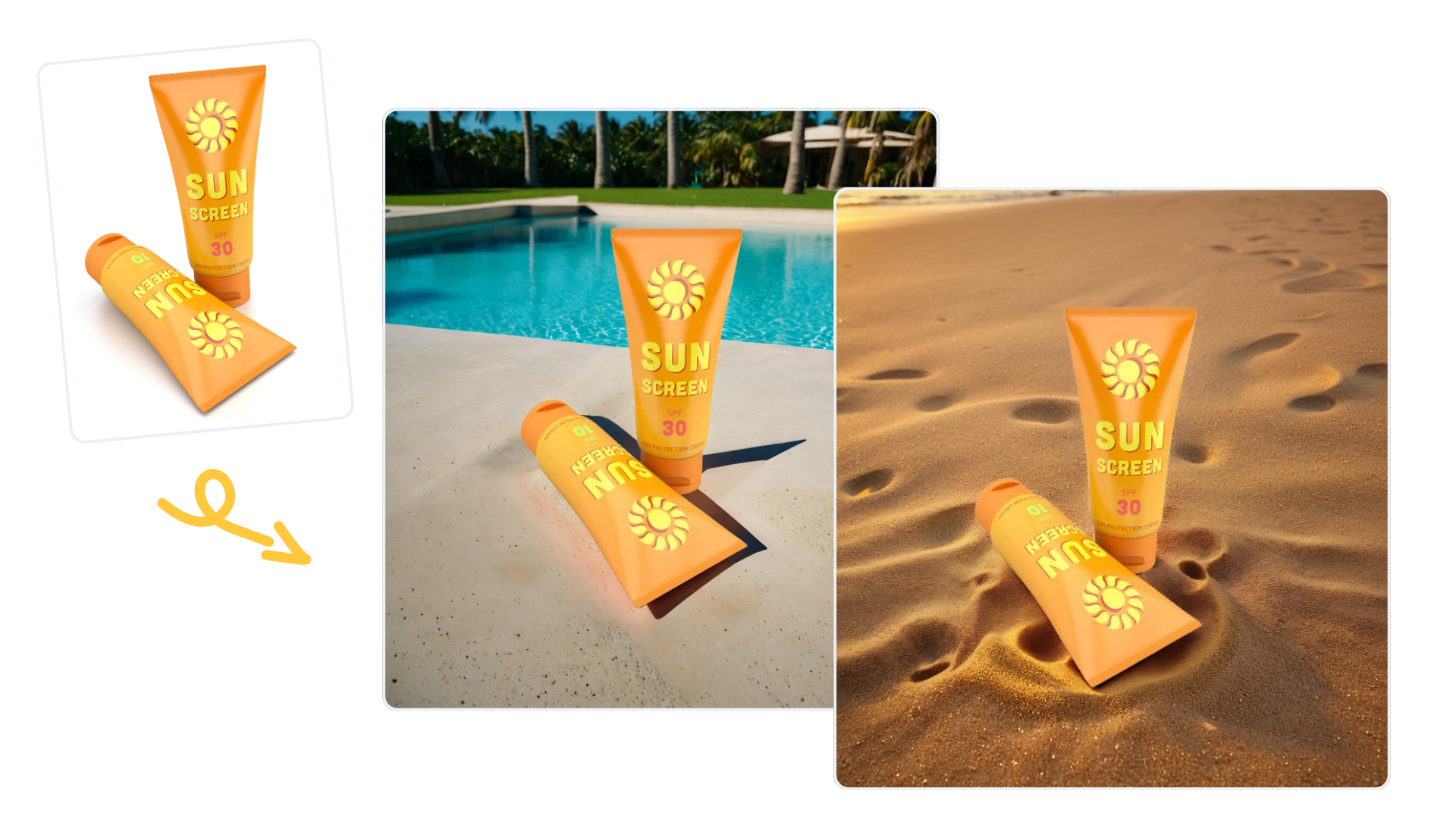
E-Commerce
Create high-quality product images that convert. Whether you're selling clothing, jewelry, or handmade goods, Magic Background lets you build a consistent, professional look without a photography studio.
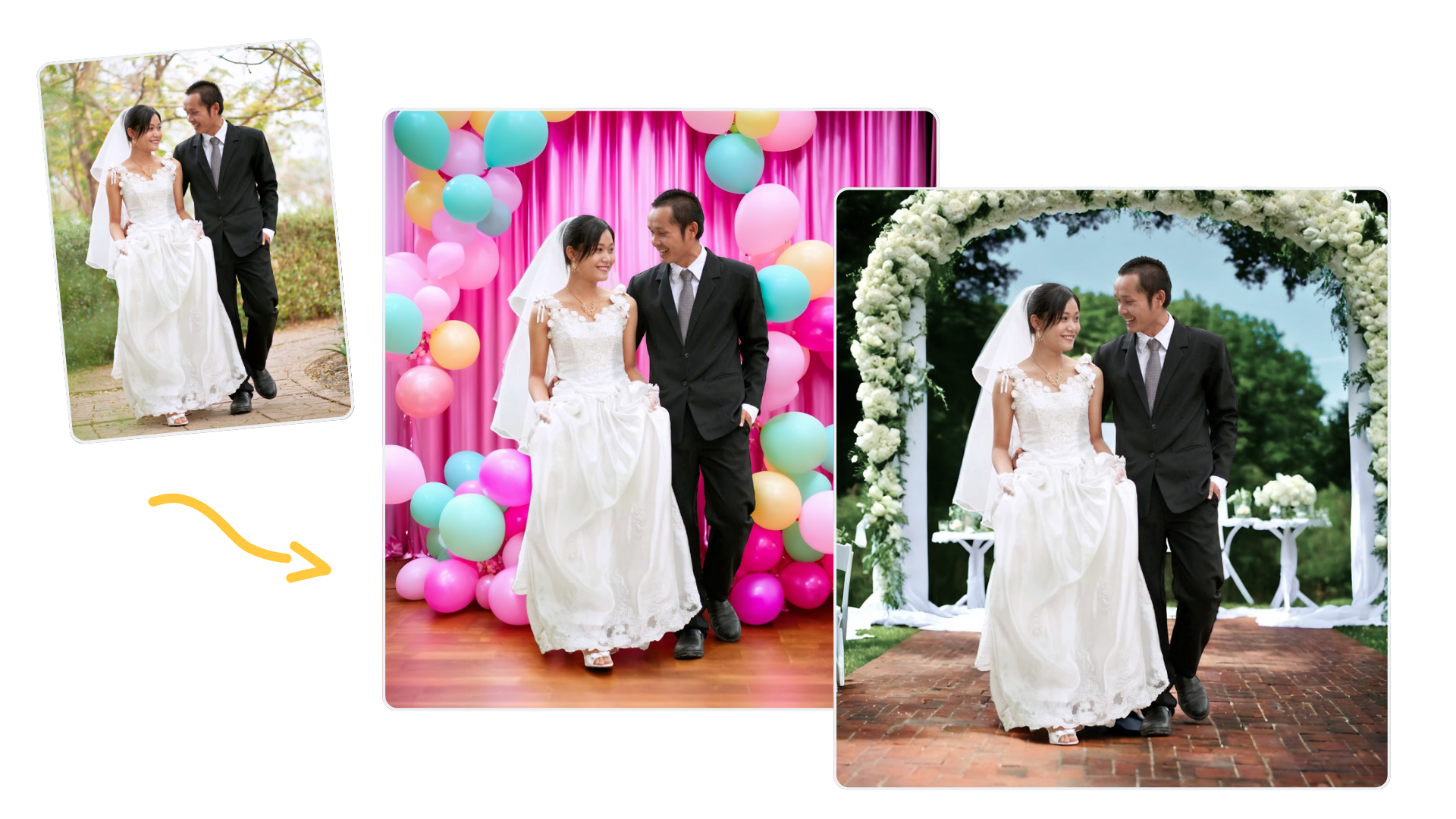
Photographers
Save time in post-production without sacrificing quality. Use Magic Background to generate stylized backdrops instantly for headshots, wedding portraits, or editorial shoots.
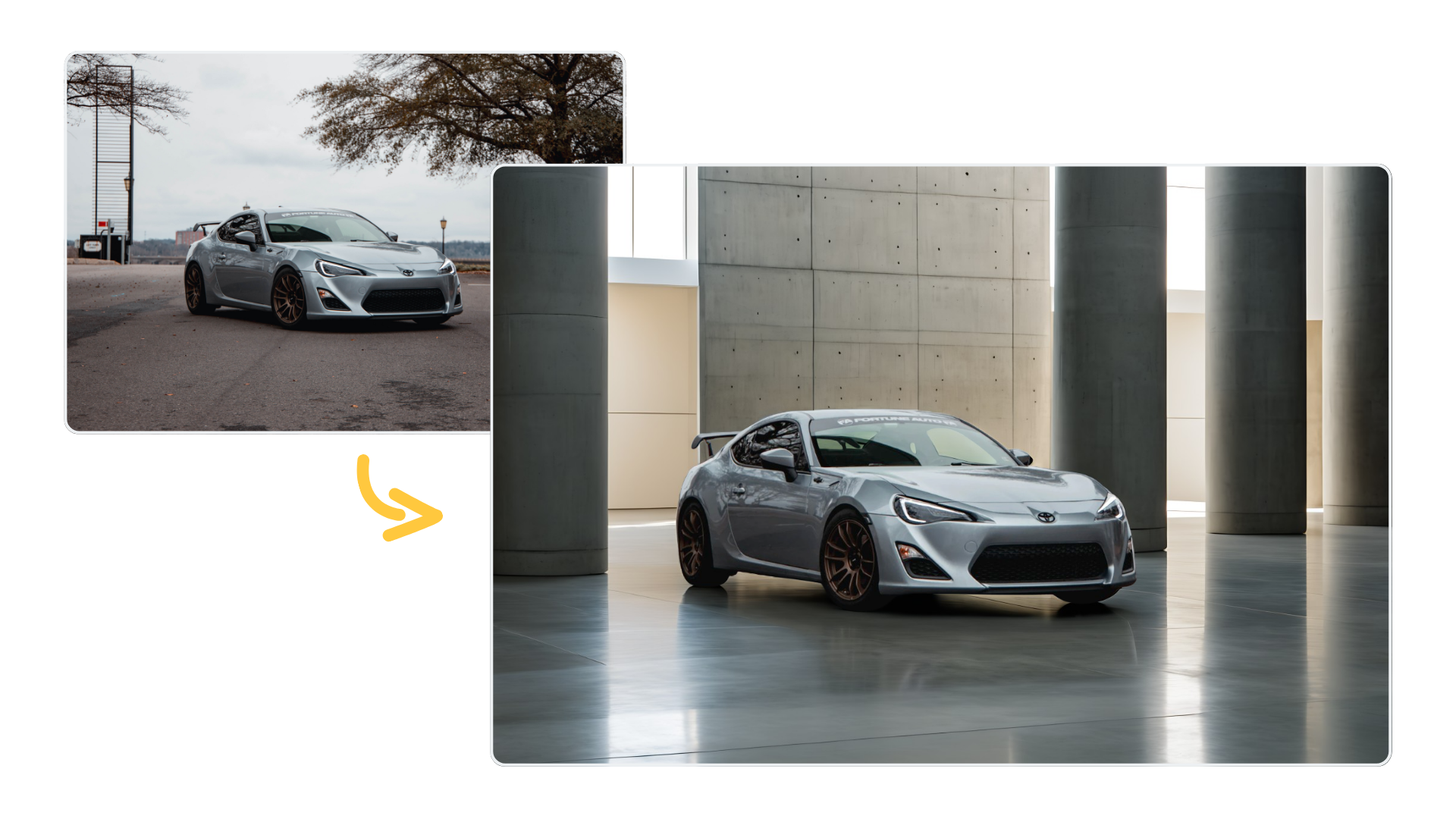
Automotive & more
Enhance your car images with stylish backgrounds, or create eye-catching advertising without spending too much time. Magic Background can be used for ads, catalogs, and any other promotional material.
Why you’ll love Magic Background
✅ Faster workflows
✅ Edits that look natural
✅ AI-generated scenes that fit the subject naturally
✅ Easy to use: no training or prompts needed
✅ Get more options with just one click
Ready to see it in action?
댓글