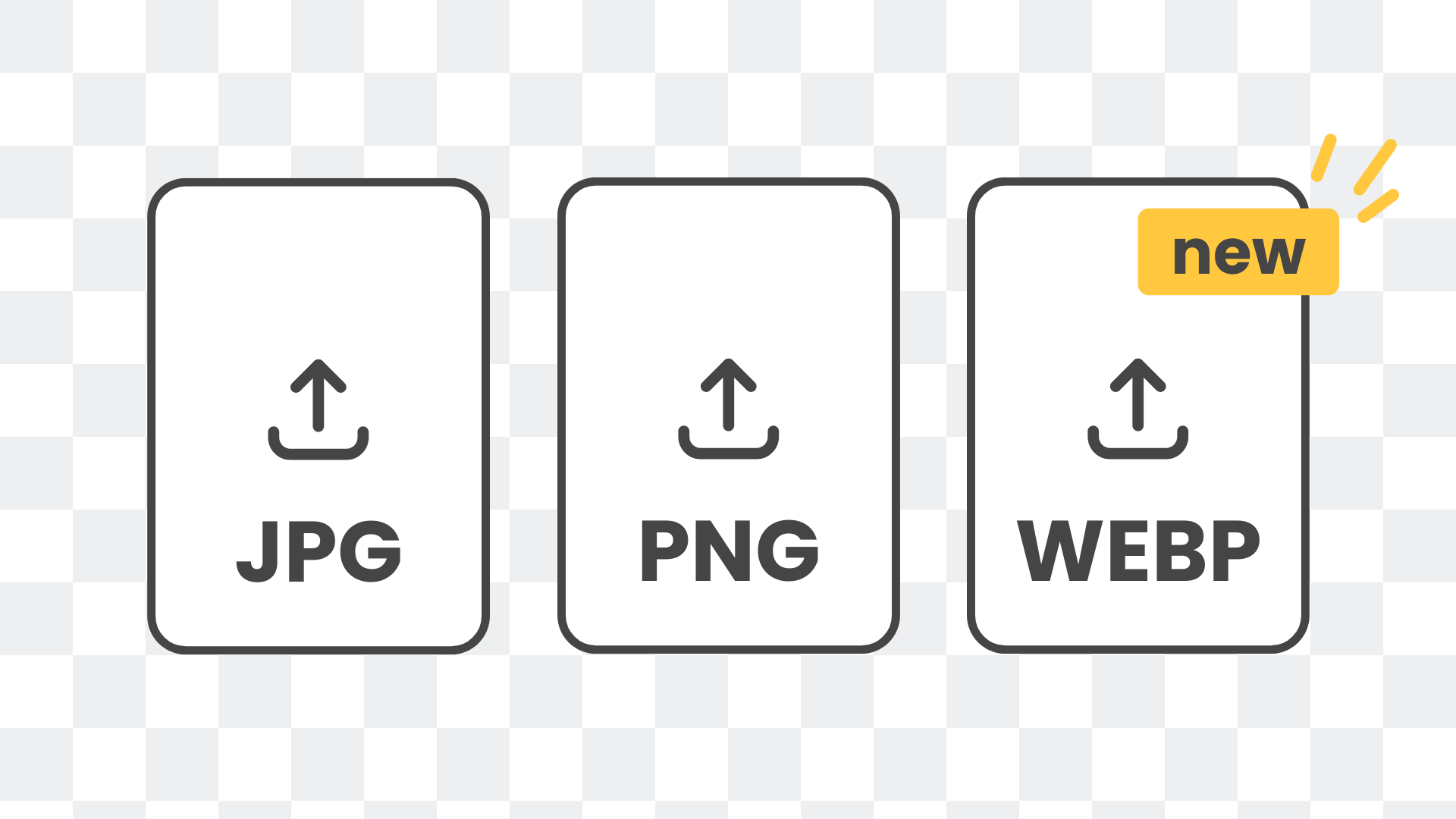
A new update is available on remove.bg: you can now upload WebP files directly to the remove.bg editor, without needing to convert them beforehand. This means that removing backgrounds will be faster, easier, and more efficient.
Isi kandungan
What does this mean for you?
You can now edit images downloaded from the web in their original format, without any extra conversion steps. This saves you valuable editing time and helps you move through your workflow more quickly.
Where can you use WebP files?
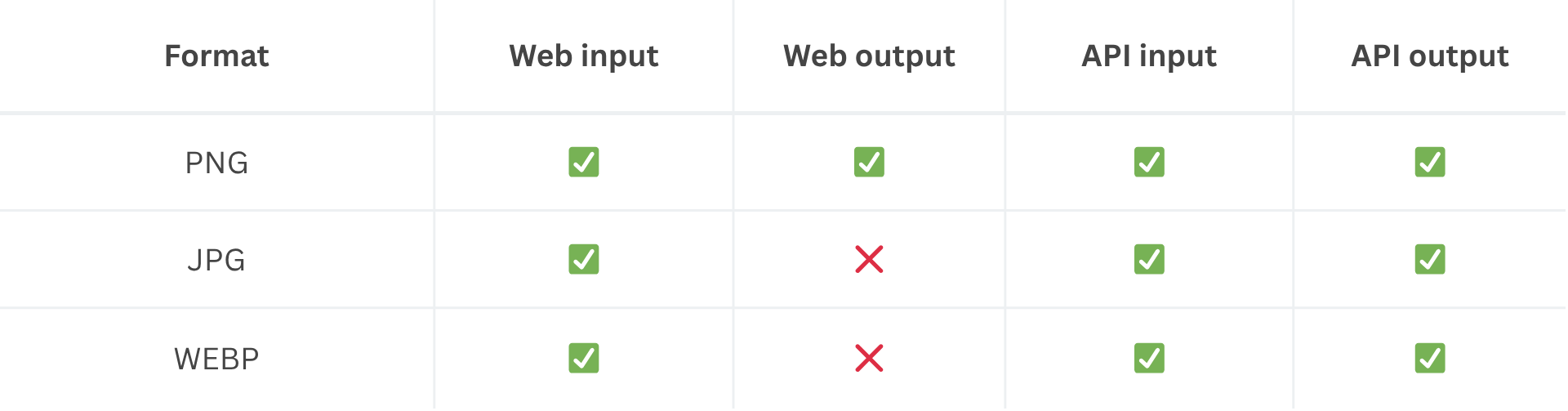
WebP input (uploading) is now supported across:
Online editor: only input support
Simply upload or drag and drop your image to remove.bg, and the AI will automatically remove the background in just five seconds. There's no need to worry about converting your image format beforehand, remove.bg handles it for you seamlessly.
Desktop app: only input support
If you’re using the desktop app, you can easily upload images in WebP format and take advantage of bulk background removal. This allows you to process multiple images at once, saving valuable time and ensuring a fast, efficient workflow.
API: both input and output support
If you're using the API, you get full flexibility, which means you will get both input and output support. You will be able to:
Upload WebP files up to 50 Megapixels
Download processed images in WebP format, too.
How to set WebP as your desired output format via API
When using the API, you can receive a WebP image by specifying your desired output format using the format parameter. By default, the API uses "auto," which gives you a PNG if the image has transparency or a JPG otherwise.
To explicitly request WebP output with alpha transparency, set format to "webp".
Other available options include:
"png" for full transparency
"jpg" for a smaller file without transparency
"zip" for a ZIP package containing both the color image and an alpha matte (recommended for the fastest processing when handling transparency).
Visit remove.bg's Help Center to learn more, or try out remove.bg yourself.
Komen
It would be so much more attractive if the basic (free) resolution were a little higher.