주요 콘텐츠로 건너뛰기
Product Updates

Jan 31, 2023

Introducing remove.bg’s New Magic Brush Feature

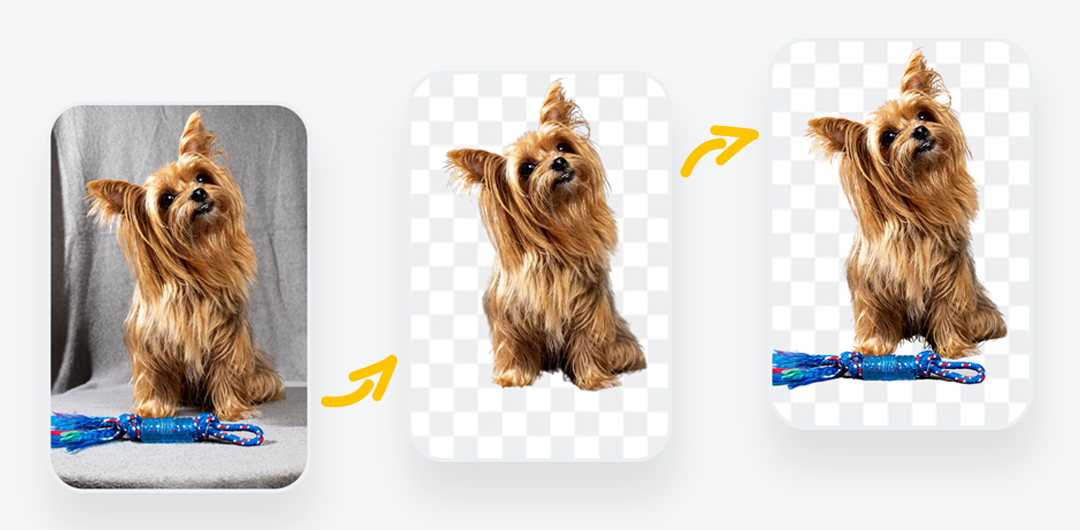
Have you ever been in a situation where you wanted to remove an image background, but the AI also deleted a specific object or person you wanted to keep? Or, on the contrary, the AI didn’t remove a part of the background you wanted to get rid of. Luckily, you won’t have to deal with these issues anymore.

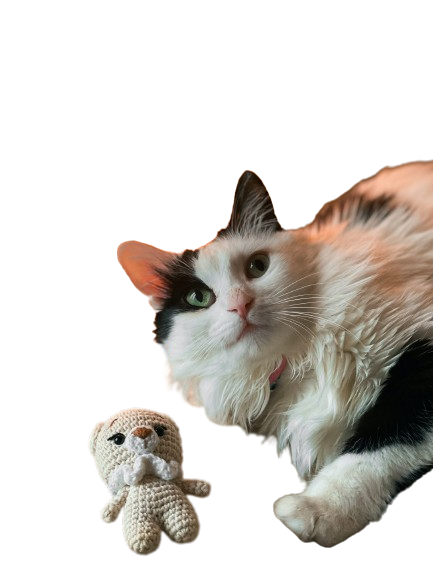
Get to know remove.bg’s brand-new feature, Magic Brush, which allows you to extract objects from images by deleting or restoring them in just a few seconds. 

Incredible, right? 

What does this mean for you?

You will be able to:

  • Flawlessly remove the background from your photo.

  • Erase parts of the photo you wish to get rid of.

  • Restore parts of the photo you wish to keep.

  • All of this by simply circling around the object you wish to remove or restore.

  • The AI will do the rest!

How do you use the Magic Brush tool?

Simply go to the remove.bg website, and:

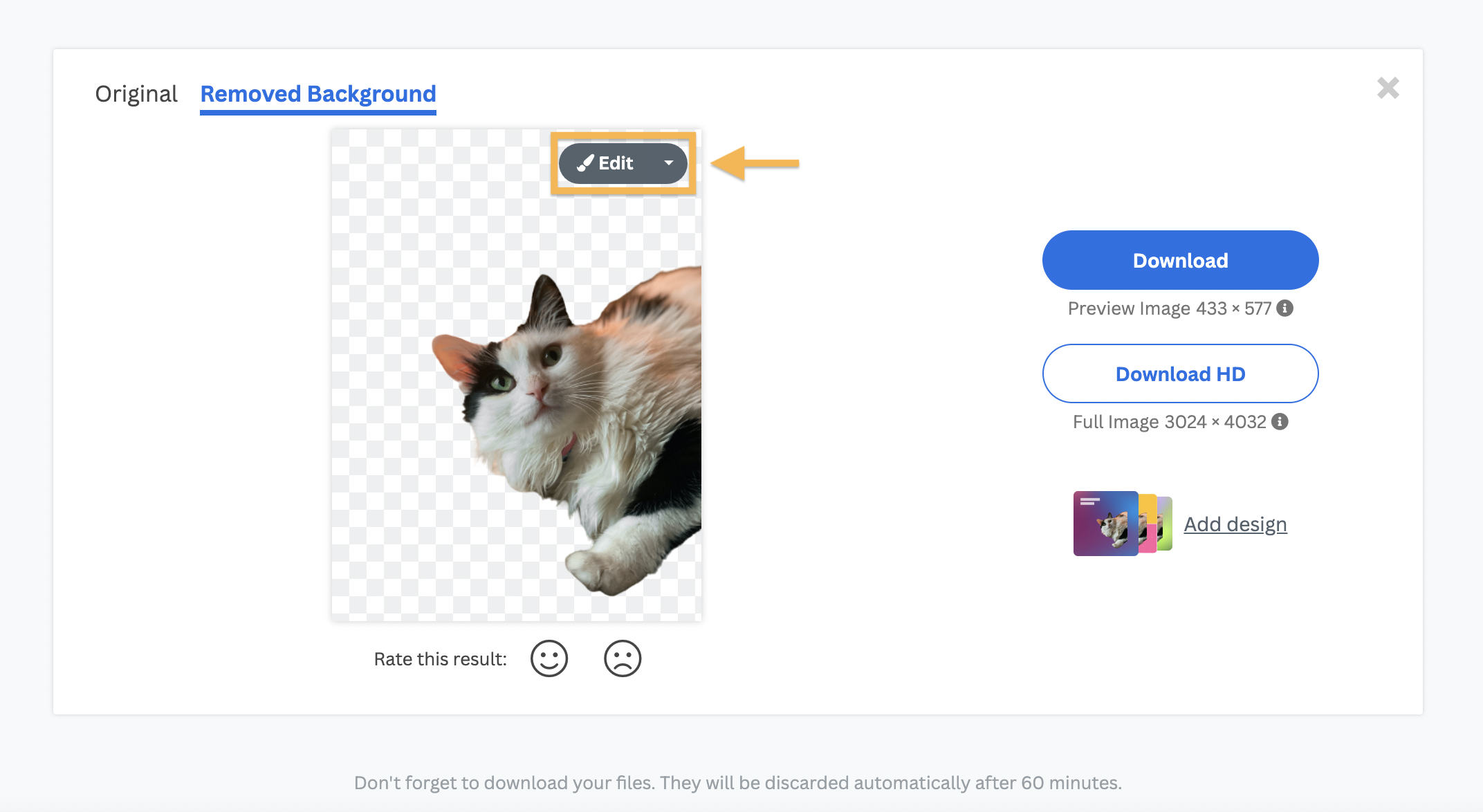
1. Upload or drag and drop a photo.

2. The background will be automatically removed.

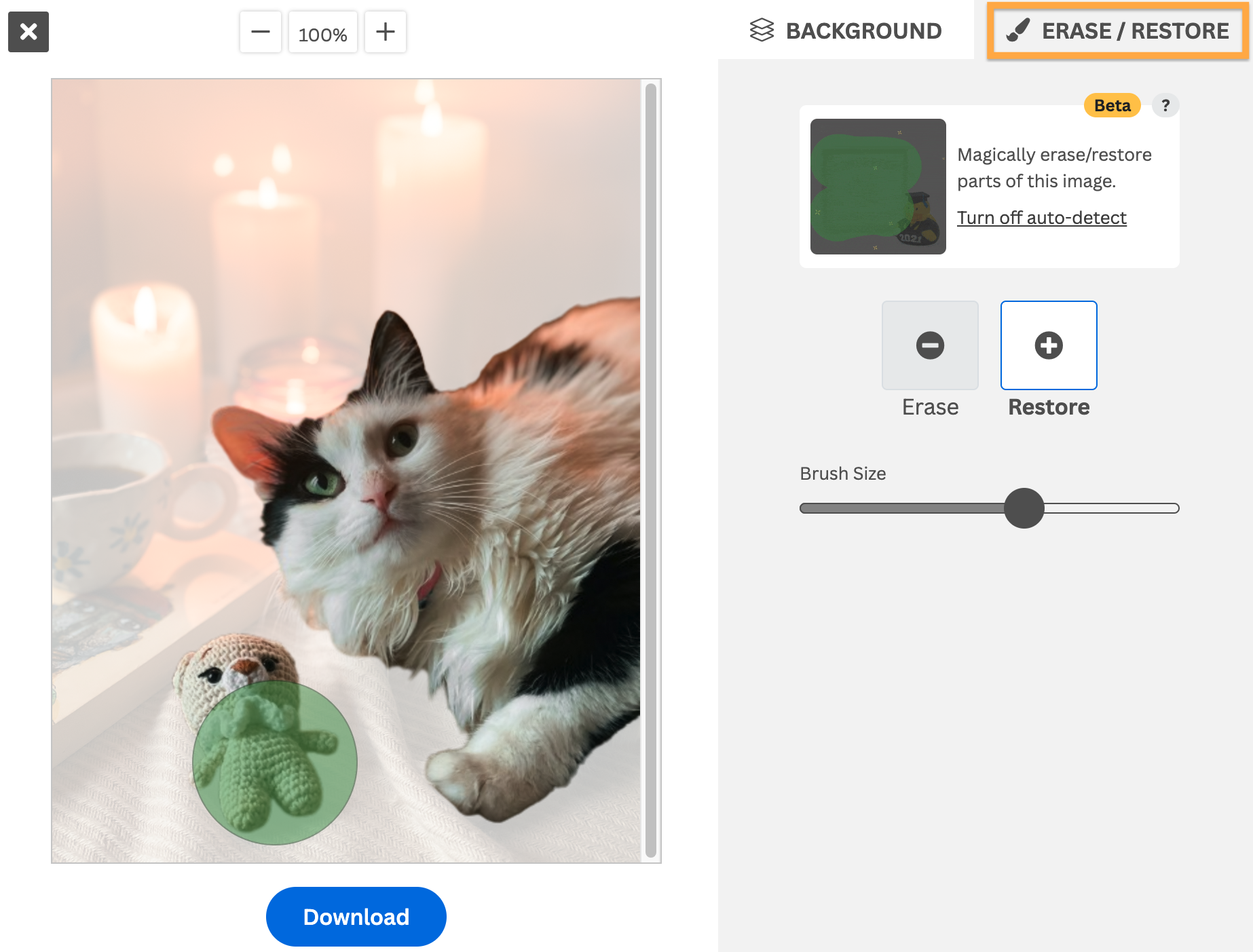
3. Click on Erase/Restore.

4. Move the cursor over any part of the image you want to remove or restore.

5. The AI will do all the work for you in great detail.

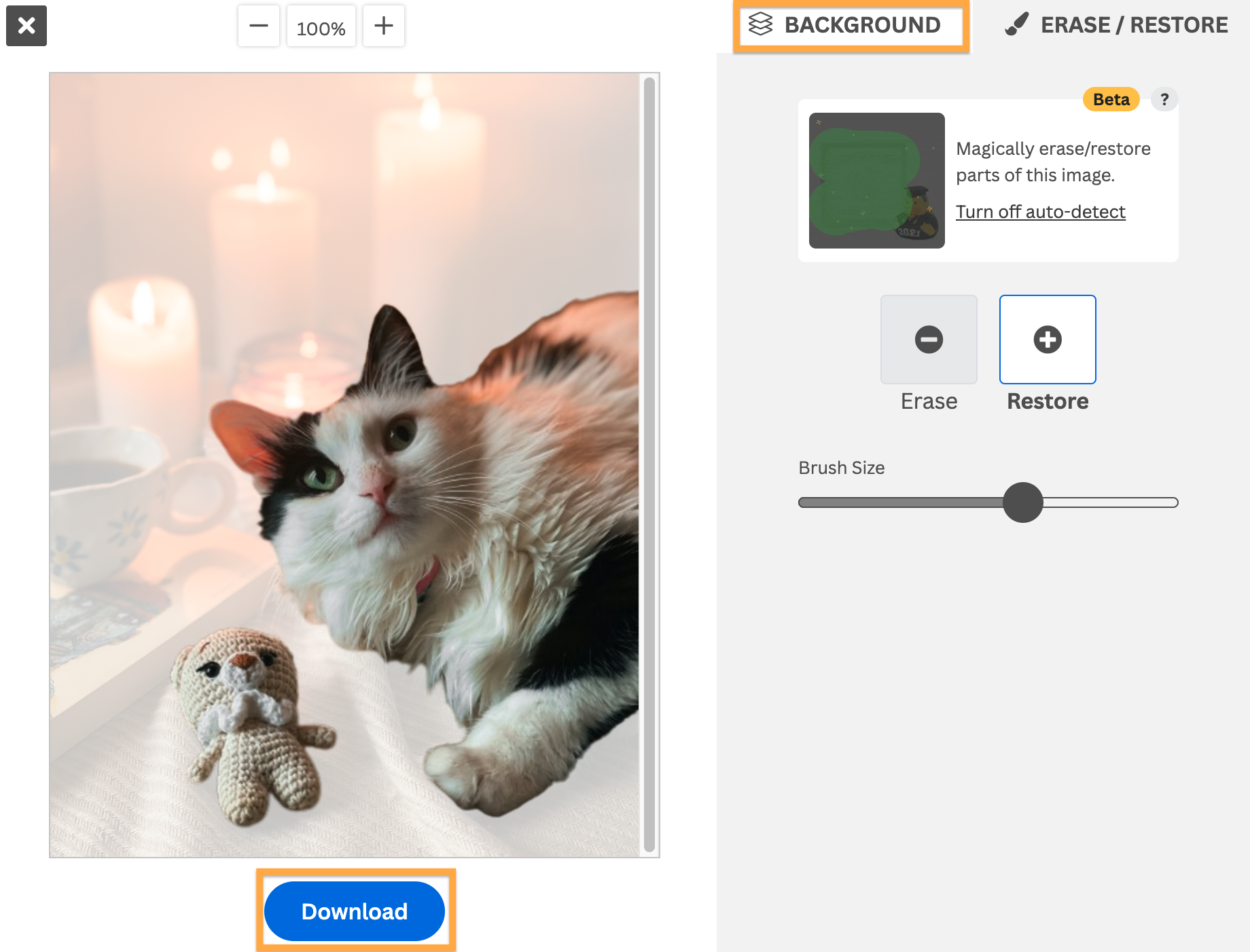
6. If you want to choose a new background for your image, you can click on Add Background and choose from our image library. Or you can upload your own. Otherwise, leave it transparent.

7. That’s it! You can now download your image with a new or transparent background without its quality being compromised.

For more detailed information about how to use the Magic Brush, you can visit our Help Center

Want to try it out yourself and magically remove or restore parts of your image?

모든 블로그 게시물

댓글

Tavis 2023년 08월 29일
Do you have any plans to support the api for magic brush feature
Pnsh 2023년 08월 17일
I am trying
test 2023년 02월 14일
Nice
Ashk 2023년 02월 07일
Do you support the api for magic brush feature?
Viktoria 공식 2023년 02월 08일
Hi there! The magic brush feature is not supported for the API. If you have any questions, feel free to reach out to our support team via [email protected].
GOVINDA 2023년 01월 31일
THIS FEATURE SI NOT WORKING
Viktoria 공식 2023년 02월 08일
Hi there! We're sorry to hear that! Could you please reach out to our support team via [email protected]? They will be happy to help!
  • 더 알아보기

  • 모든 기능
  • 포토그래퍼
  • 마케팅
  • 개발자
  • 전자상거래
  • 미디어
  • 자동차 대리점
  • 기업
  • 성공 사례
  • 도구와 API

  • API 문서화
  • 통합, 도구 및 앱
  • Photoshop 확장기능
  • 윈도우/맥/리눅스
  • 안드로이드 앱
  • 디자인 템플릿
  • 지원

  • 도움말 및 FAQ
  • 연락처
  • 환불
  • 플랫폼 상태
  • 리소스
  • 회사 정보

  • 블로그
  • 제휴 프로그램
  • 자동으로 디자인을 만들어 보세요.
  • 영상 배경 제거
  • 경력/채용
  • 본사 소개
  • 언론 및 파트너십

© remove.bg, a Canva Austria GmbH brand

  • 서비스 약관
  • 일반 약관 및 조건
  • 개인정보 보호정책
  • 쿠키 정책
  • 인쇄

의견을 제공해 주셔서 감사합니다!

개선에 도움을 주시겠습니까? (임의 선택)

  • 이 이미지를 제공하고 remove.bg를 개선하는 데 도움을 주세요
  • 인공 지능 훈련하기
  • 미래에는 유사한 이미지로 더 나은 결과를 얻으세요
품질 향상을 위해 이 이미지가 이용되는 것을 원하시면 선택해 주세요.
품질 향상을 위해 이 이미지가 이용되는 것을 원하지 않으시면 선택해 주세요.

당신의 이미지는 remove.bg의 향후 개선을 위해 이용될 것입니다.

당신의 이미지는 remove.bg의 향후 개선을 위해 이용되지 않습니다.