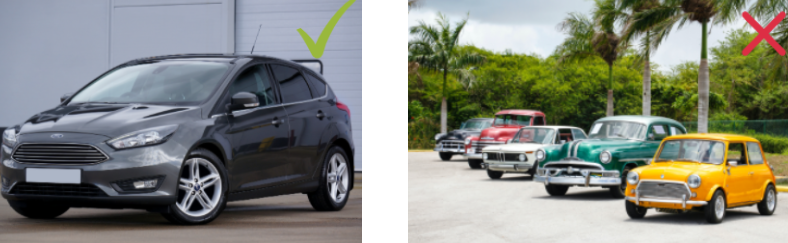
Which photos work best for high-quality background removal?
remove.bg works best with images that clearly feature a subject in the foreground. This includes most photos of:
- People
- Products
- Animals
- Cars
- Other clearly defined objects
We aim to provide high-quality cutouts across a wide range of subjects and settings. If you're unsure whether your image will work or if you're experiencing issues, feel free to contact us at [email protected]; we're happy to help!
Looking for supported file types or resolution limits?
See: What image formats are supported? and What is the maximum image resolution/file size?
General recommendations
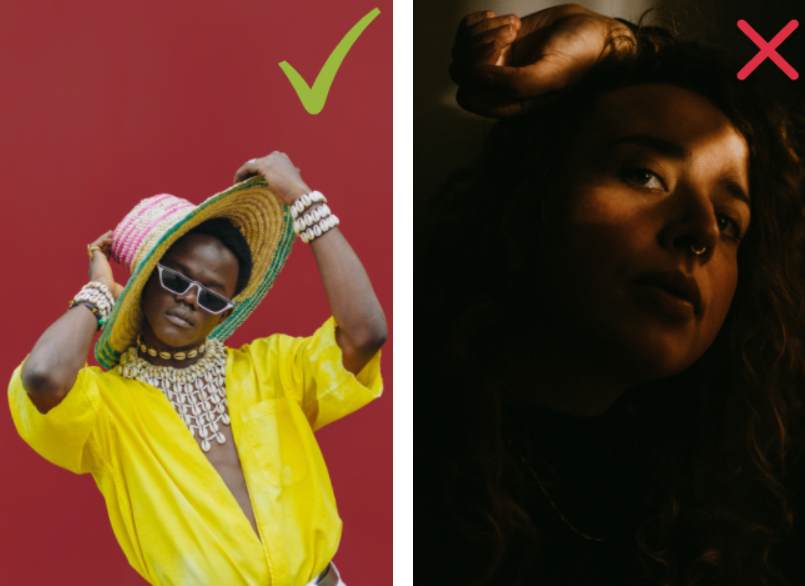
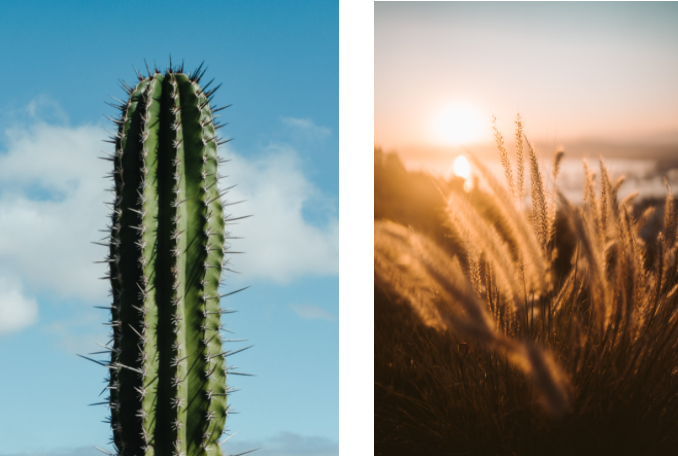
Contrast: Images taken under good lighting conditions and with a high contrast between foreground and background give better results.
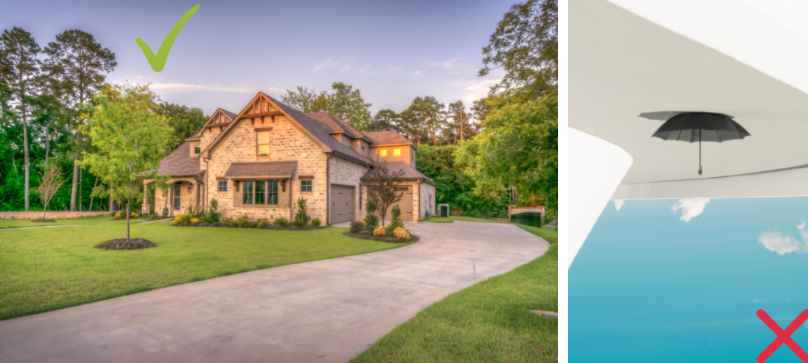
Alignment: Make sure to upload images with the correct orientation. Results are best if they match gravity (i.e. the ground is at the bottom of the image).
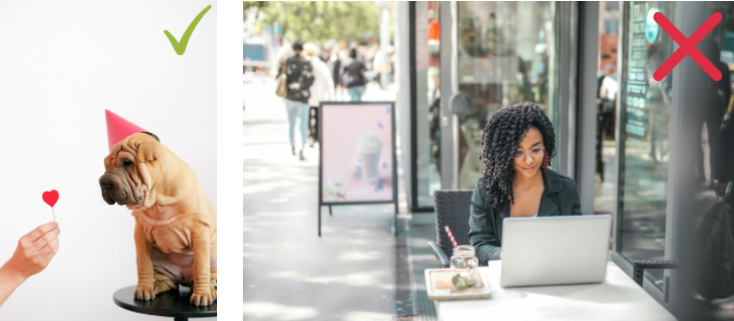
Prefer plain backgrounds: Blurry and single-color backgrounds are easier to remove than sharp backgrounds with many details.
Sharp foreground: If the foreground is blurry it might get removed. If only the edges are blurry, they will still be blurry in the cutout (which may or may not be an issue).
Recommendations for photos of people
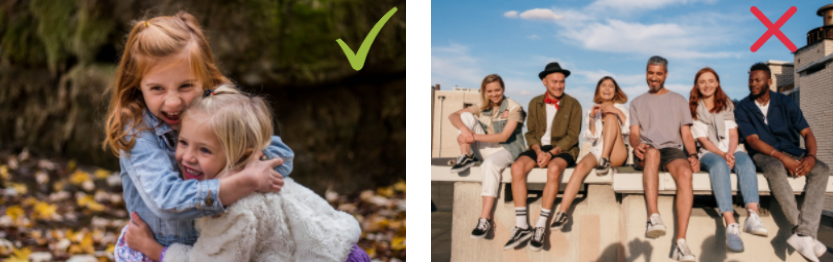
Number of people: Images with one person or with a few people currently perform better than photos of large groups of people.
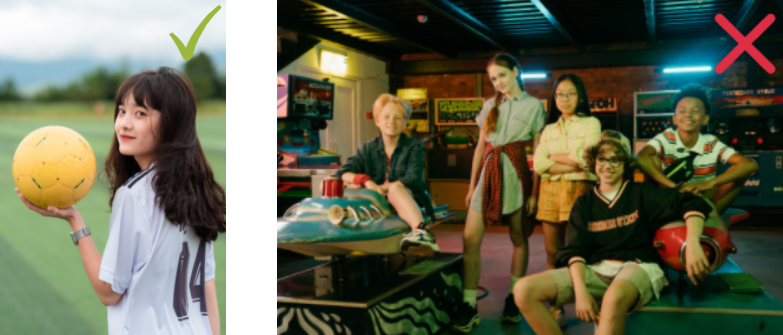
Objects: Small objects held in hands or worn on the body are usually supported (e.g. a basket ball), whereas large objects standing out are problematic.
Recommendations for product photos and other objects
Whole object: The whole product should be visible in the image, i.e. it must not be cut off.
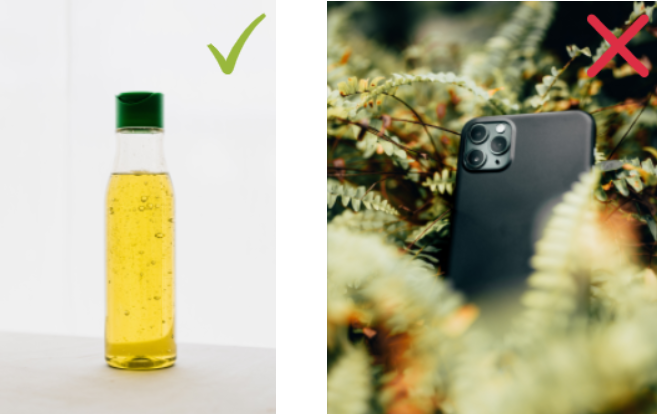
Object in focus: Take products out of their packaging and place them in front of a plain background (photo studio, wall, floor).
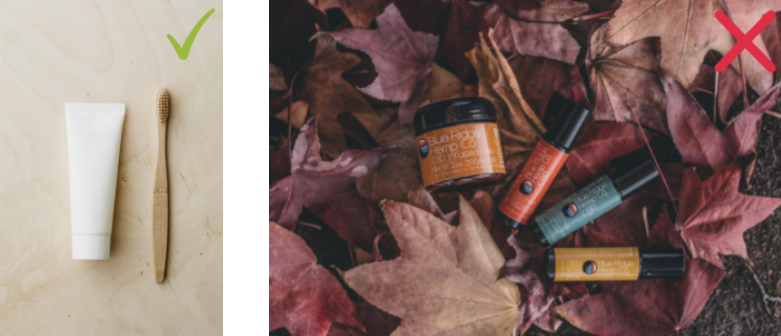
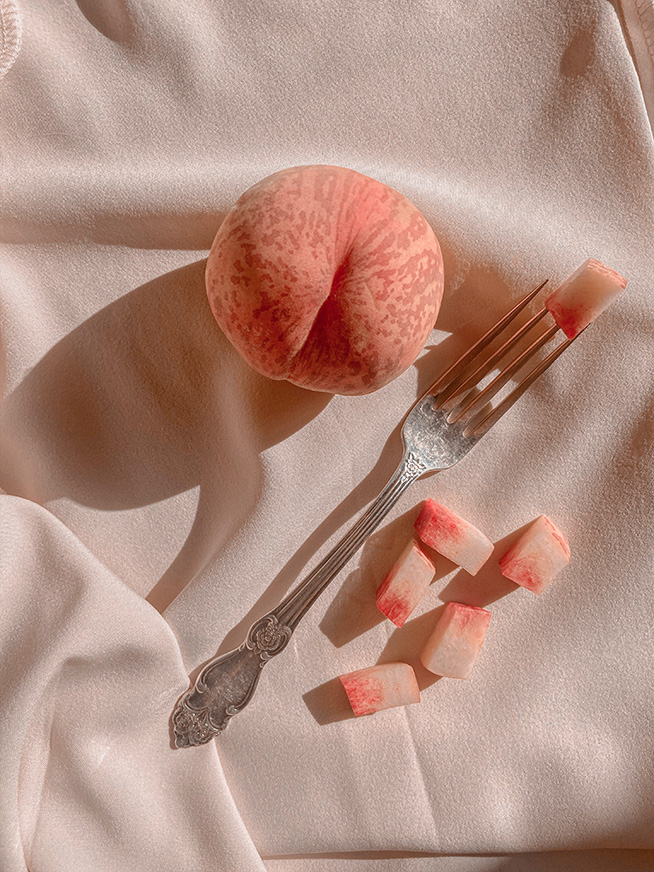
Shadows and reflections: Try to avoid hard shadows since they can be mistaken to be part of the foreground. Avoid reflections (especially in the background).

No decorations: Do not place decorative objects in the photo. Do not add logos, stamps or clip-arts to the photo before uploading it.
Recommendations for car photos
Avoid extreme angles: Take the photo in a natural perspective, roughly at eye level.
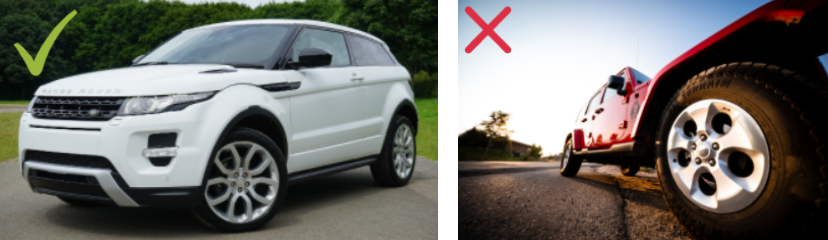
Uncovered: The car should not be obscured by anything in front of it.
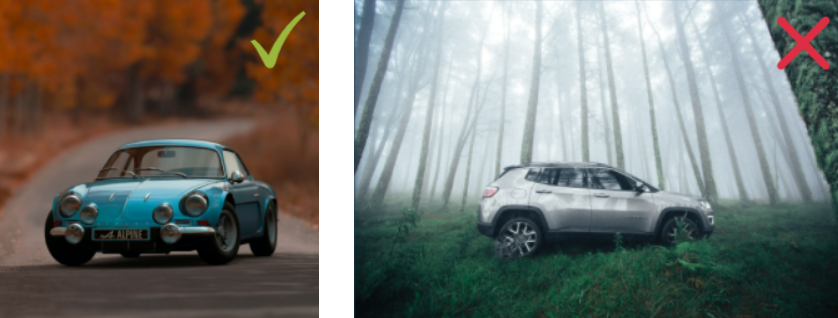
One at a time: For best results, only include one car in each photo. Only the largest visible car will be cut out, everything else is considered background.