Como um usuário ávido do remove.bg, você sabe como se livrar rapidamente do fundo de uma foto. Mas e quanto a vídeos e GIFs?
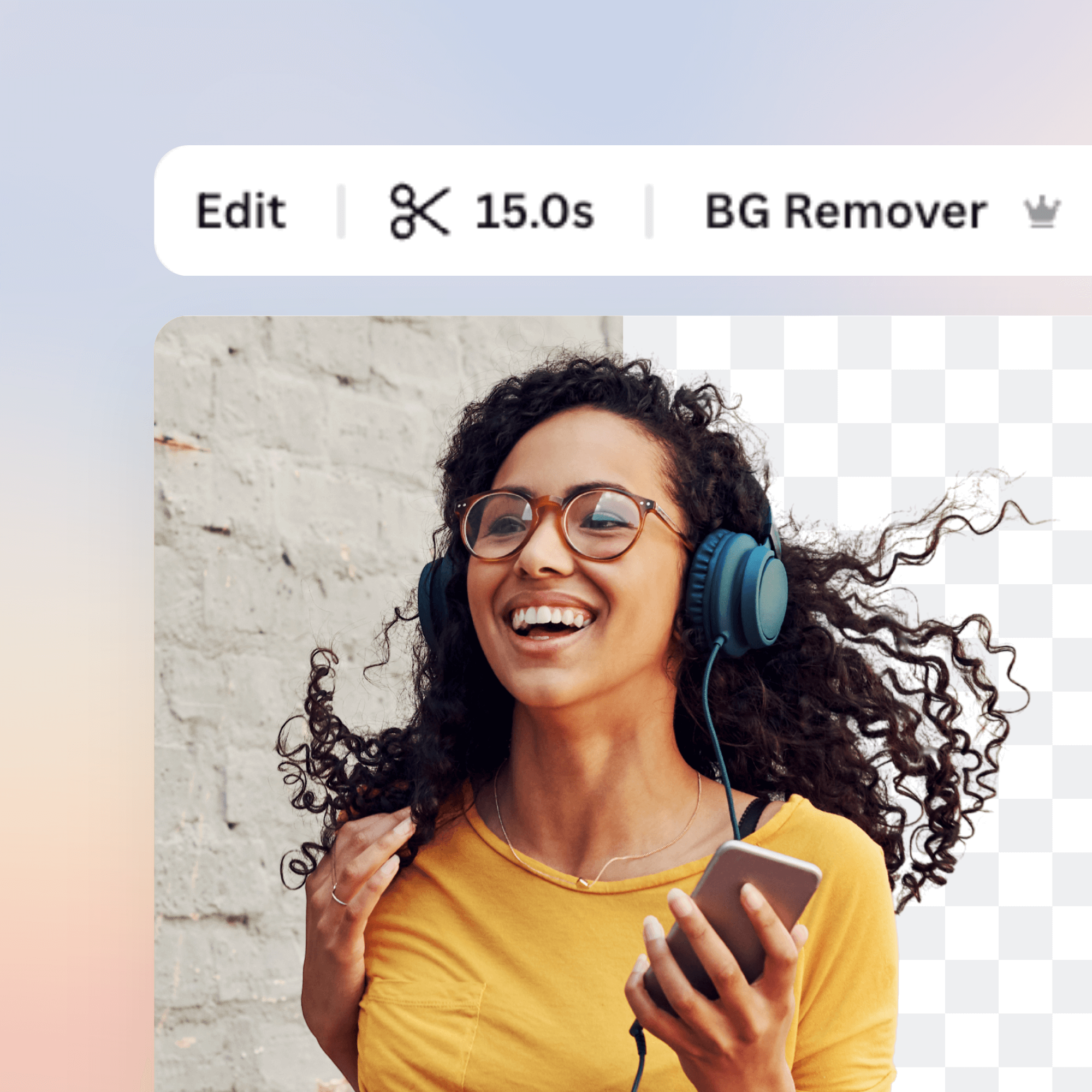
Apresentando o Removedor de Fundo de Vídeo do Canva: Escolha um vídeo ou GIF e, em segundos, veja o mesmo clipe com o fundo removido – tudo 100% automaticamente. Produzir vídeo sem fundo nunca foi tão fácil!
Escolha seu clipe, edite-o, baixe-o e compartilhe imediatamente. Tudo online e grátis!
Comentários
Please remember that Unscreen Pro supports audio when you download your file as MP4 or Pro Bundle. Adding music with the free Unscreen is not possible because the output formats GIF + APNG do not support audio tracks.
Can you please reach out to us at [email protected] so we can take a look?
'CAUSE THEY'RE AWESOME!!!!!!!!!!!!!!!!!!!!!!!!!!!!!!!!!!!!!!!!!!!!!!!!!!!!!!!!!!!!!!!!!!!!!!!!!!!!!!!!!!!!!!!!!!!!!!!!!!!!!!!!!
If you have chosen Transparent as the new background, you can combine the two MP4 files (the alpha matte and the main video) in your video editing software for a final transparency-applied video layer. Here: unscreen.com/faq you can find our instructions for chosen programs.
However, recently we released an update which enables you to add a custom background to your video directly in Unscreen! You just need to select "Adjust settings" under the video you uploaded and here you can select one of our backgrounds or add your own.
There are currently no issues on our end, can you reach out to us at [email protected] and describe the problem? We will look into it!