Kā uzcītīgs remove.bg lietotājs tu zini, kā ātri atbrīvoties no fotoattēla fona. Bet ko darīt ar video un GIF failiem?
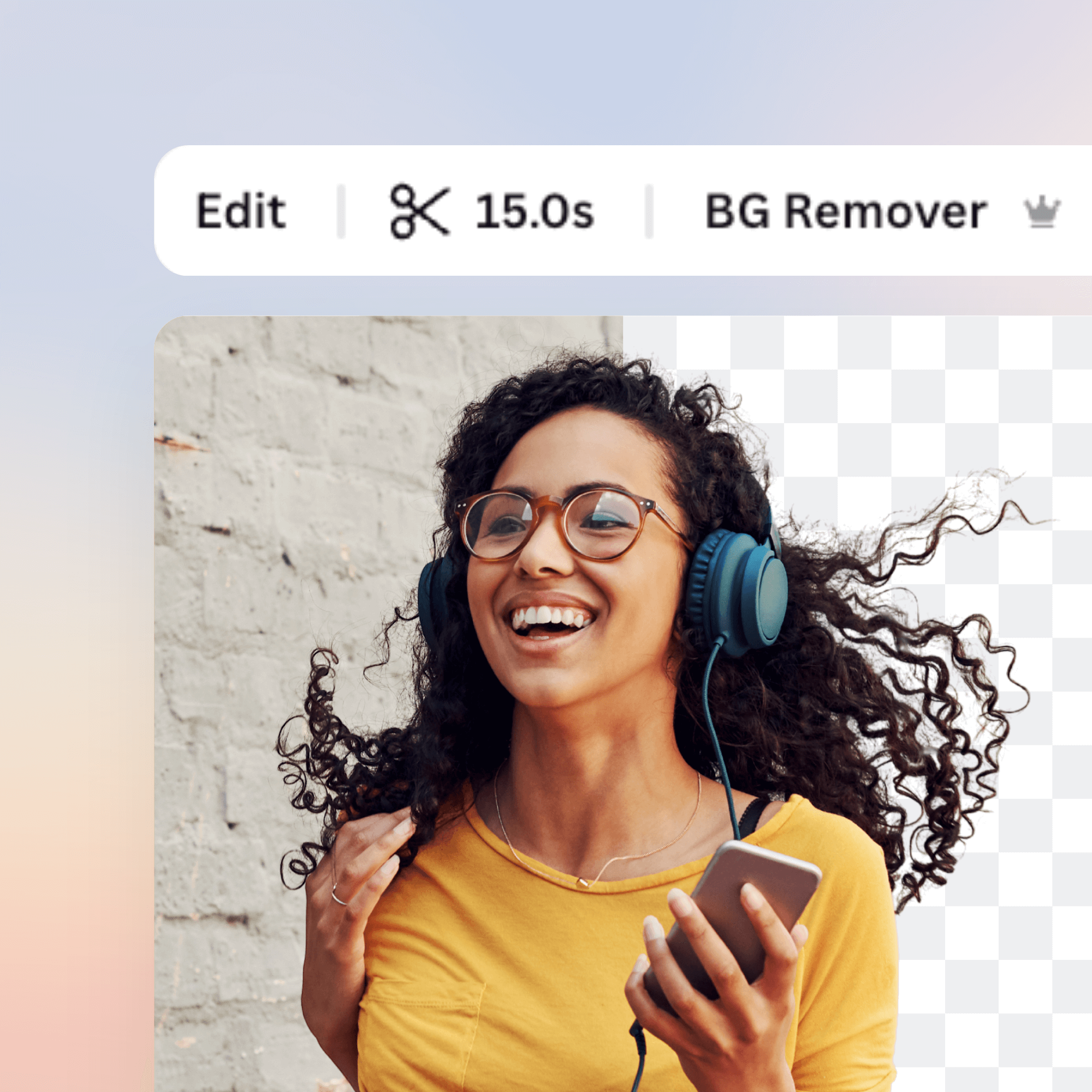
Iepazīstiet Canva video fona noņēmēju: Izvēlieties video vai GIF, un dažu sekunžu laikā redzēsiet to pašu klipu bez fona – pilnībā automātiski. Video bez fona izveide vēl nekad nav bijusi tik vienkārša!
Izvēlieties savu klipu, rediģējiet to, lejupielādējiet un nekavējoties kopīgojiet. Viss tiešsaistē un bez maksas!
Komentāri
If you have chosen Transparent as the new background, you can combine the two MP4 files (the alpha matte and the main video) in your video editing software for a final transparency-applied video layer. Here: unscreen.com/faq you can find our instructions for chosen programs.
However, recently we released an update which enables you to add a custom background to your video directly in Unscreen! You just need to select "Adjust settings" under the video you uploaded and here you can select one of our backgrounds or add your own.
There are currently no issues on our end, can you reach out to us at [email protected] and describe the problem? We will look into it!
Please remember that with Unscreen Pro you can download a video file!
If you're using the free version, the output video can be downloaded as a GIF, Animated PNG or ZIP file of single PNG/JPG frames.
Yes, you can easily do that - you just need to click on "Select file" under the video you uploaded. If you're using Unscreen Pro, you can find this feature under "Adjust settings" button.
Could you please reach out to us at [email protected] and describe your use case? I'm sure we will find a solution!