Pāriet uz galveno saturu
Product Updates

May 08, 2025

Remove logo backgrounds with ease

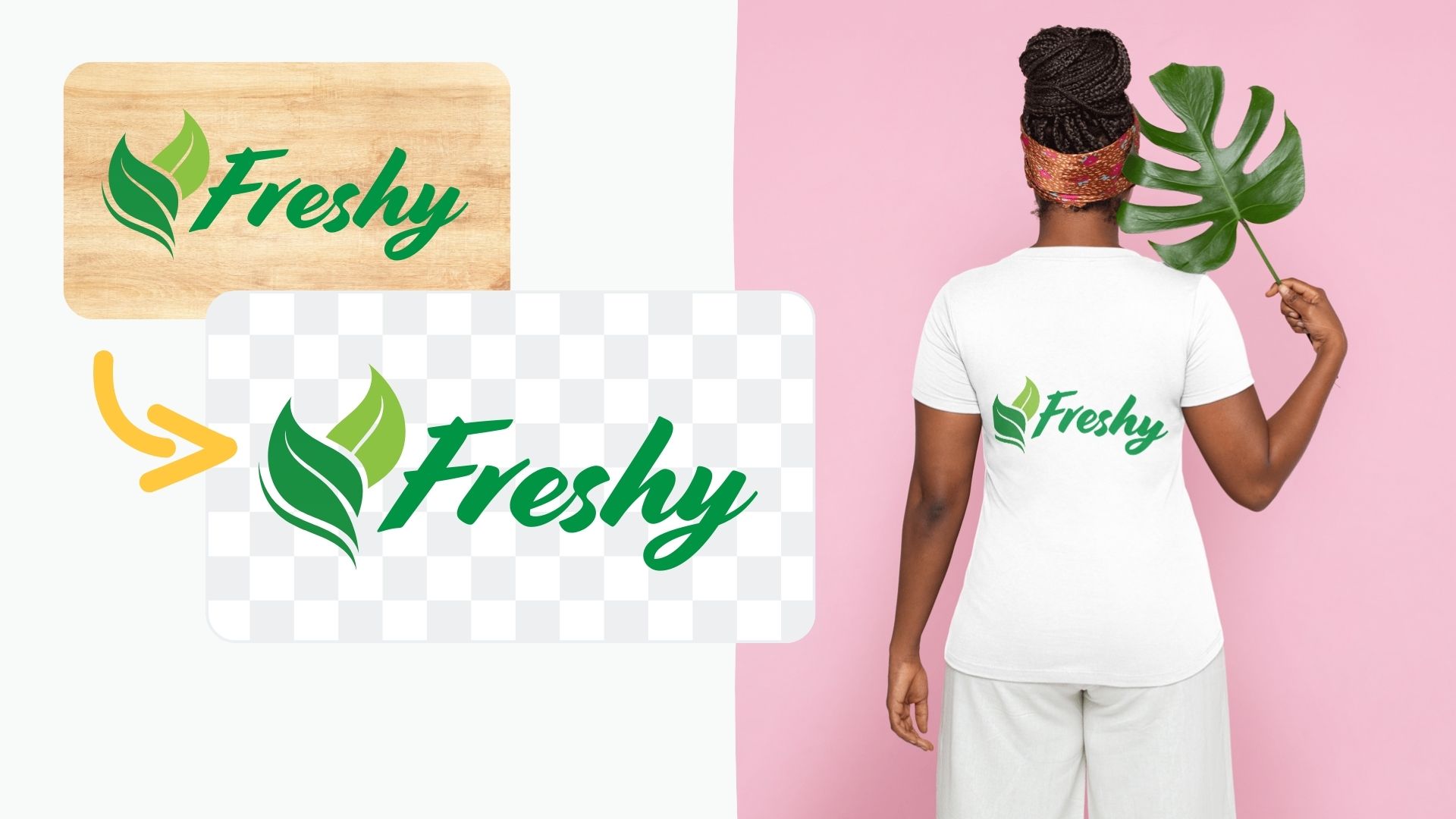
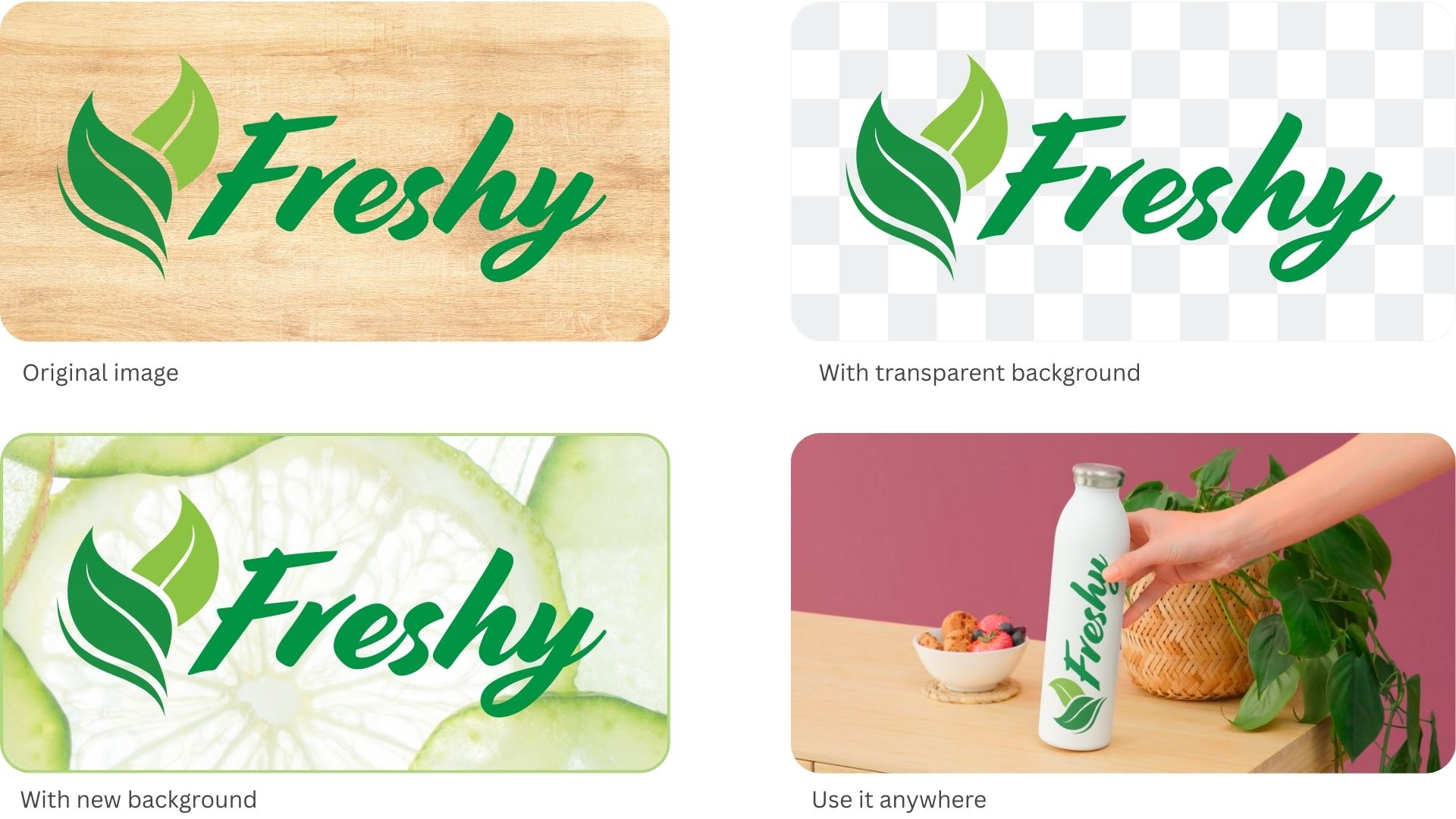
Whether you are creating company presentations, print designs or web assets, logos and digital graphics are often a major component for professional results. Thanks to its high-quality background removal technology, remove.bg helps you embed logos with ease.

As you know, we are always looking for ways to further improve remove.bg and the best way to do that is to listen to your feedback. While remove.bg is most commonly used to get rid of the background of real-world photos, it’s often handy for digital assets as well. And with our latest update, freeing logos and digital graphics from their unwanted backgrounds works just as well.

For instance, you can now remove the background from your company or partner’s design and insert the stripped-back logo wherever you need it. It is a simple way for you to boost professionalism and increase brand recognition. If you want to know how to achieve this in more detail, you can check out our blog post about how to remove the background from a logo.

We would love to hear your feedback and answer your questions.


Updated: 8 May, 2025
Published: 20 March, 2020.

Visi emuāra ieraksti

Komentāri

Adil kazmi 2021. gada 11. novembrī
lovely app
Billy 2021. gada 31. oktobrī
Great product and quick
Syaiful R jr 2021. gada 22. oktobrī
I Love you Lina
Nur jamin 2021. gada 16. oktobrī
I love you sonali
Nur jamin
David Carrera 2021. gada 29. jūlijā
This is great! easy to use and fast, thank you.
MindMade 2021. gada 29. maijā
Thanks,Saved lot of time
Harry D. 2021. gada 14. maijā
Saved me a ton of time and worked excellent. Great tool!
imanoel 2021. gada 9. aprīlī
Fantastic online tool for removing white backgrounds in jpeg images. it's a 5/5 from me.
Mary 2020. gada 18. decembrī
How do I save pictures that I removed back grown
Kasia Oficiāls 2020. gada 21. decembrī
Hi Mary!
To save the image you just need to upload it here: remove.bg/upload and wait for the removal process to finish. You can also use the Edit button to make minor adjustments to the result image or add a new background. Later you can click on the "Download" button to save the files,
  • Uzzināt vairāk

  • Visas funkcijas
  • Fotogrāfi
  • Mārketings
  • Izstrādātāji
  • E-komercija
  • Plašsaziņas līdzekļi
  • Auto izplatītāji
  • Uzņēmumi
  • Veiksmes stāsti
  • Rīki un API

  • API dokumentācija
  • Integrācijas, rīki un lietotnes
  • Photoshop paplašinājums
  • Windows/Mac/Linux
  • Android lietotne
  • Noformējumu veidnes
  • Atbalsts

  • Palīdzība un BUJ
  • Sazināties ar mums
  • Atmaksas
  • Platformas statuss
  • Resursi
  • Uzņēmums

  • Emuārs
  • Partneru programma
  • Izveidojiet automātiskus noformējumus
  • Videoklipu fona noņemšana
  • Karjeras
  • Par mums
  • Prese un partnerības

© remove.bg, a Canva Austria GmbH brand

  • Pakalpojumu sniegšanas noteikumi
  • Vispārējie noteikumi un nosacījumi
  • Privātuma politika
  • Sīkfailu politika
  • Izlaides ziņas

Paldies par atsauksmēm!

Vēlaties palīdzēt mums uzlabot pakalpojumus? (neobligāti)

  • Ļaujiet mums izmantot šo attēlu un palīdziet uzlabot remove.bg
  • Apmācīt mākslīgo intelektu
  • Iegūstiet labākus rezultātus līdzīgiem attēliem nākotnē
Izvēlieties, ja atļaujat izmantot šo attēlu kvalitātes uzlabošanas nolūkos.
Izvēlieties, ja NEVĒLATIES mums ļaut izmantot šo attēlu kvalitātes uzlabošanas nolūkos.

Jūsu attēls tiks izmantots turpmākiem remove.bg uzlabojumiem.

Jūsu attēls NETIKS izmantots turpmākiem remove.bg uzlabojumiem.