Pereiti prie pagrindinio turinio
Product Updates

May 08, 2025

Remove logo backgrounds with ease

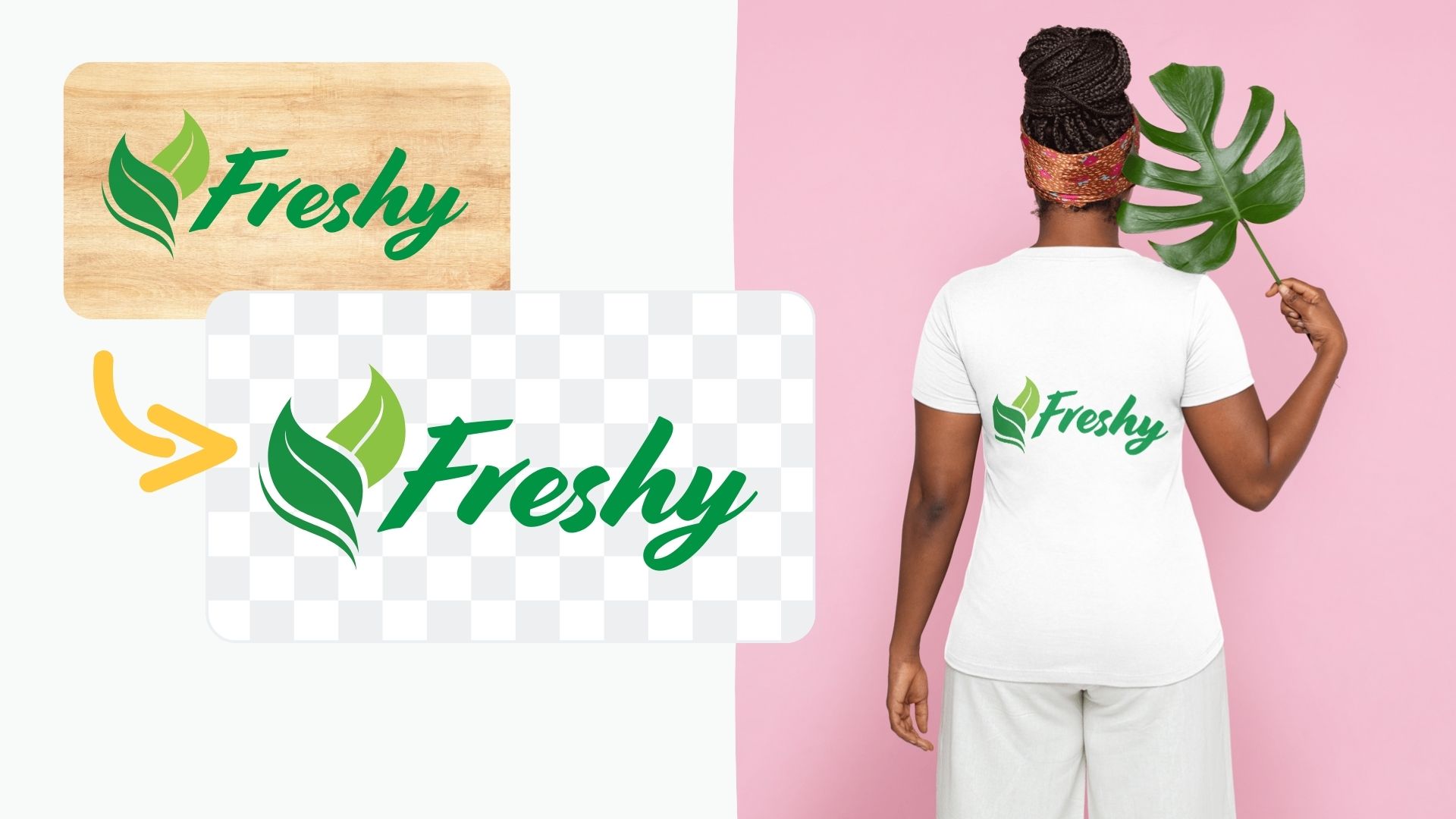
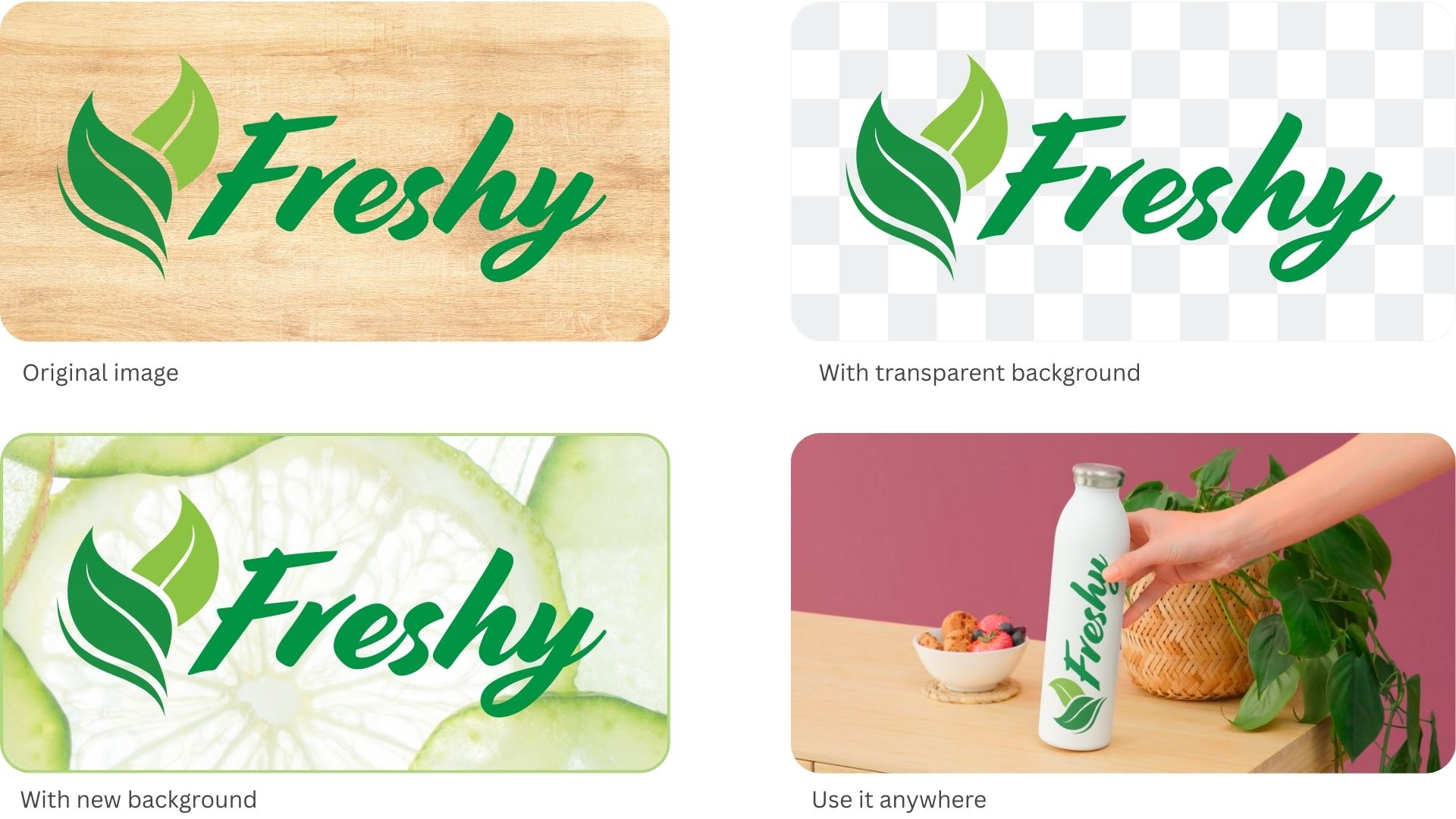
Whether you are creating company presentations, print designs or web assets, logos and digital graphics are often a major component for professional results. Thanks to its high-quality background removal technology, remove.bg helps you embed logos with ease.

As you know, we are always looking for ways to further improve remove.bg and the best way to do that is to listen to your feedback. While remove.bg is most commonly used to get rid of the background of real-world photos, it’s often handy for digital assets as well. And with our latest update, freeing logos and digital graphics from their unwanted backgrounds works just as well.

For instance, you can now remove the background from your company or partner’s design and insert the stripped-back logo wherever you need it. It is a simple way for you to boost professionalism and increase brand recognition. If you want to know how to achieve this in more detail, you can check out our blog post about how to remove the background from a logo.

We would love to hear your feedback and answer your questions.


Updated: 8 May, 2025
Published: 20 March, 2020.

Visi interneto dienoraščio įrašai

Komentarai

Adil kazmi 2021 m. lapkričio 11 d.
lovely app
Billy 2021 m. spalio 31 d.
Great product and quick
Syaiful R jr 2021 m. spalio 22 d.
I Love you Lina
Nur jamin 2021 m. spalio 16 d.
I love you sonali
Nur jamin
David Carrera 2021 m. liepos 29 d.
This is great! easy to use and fast, thank you.
MindMade 2021 m. gegužės 29 d.
Thanks,Saved lot of time
Harry D. 2021 m. gegužės 14 d.
Saved me a ton of time and worked excellent. Great tool!
imanoel 2021 m. balandžio 09 d.
Fantastic online tool for removing white backgrounds in jpeg images. it's a 5/5 from me.
Mary 2020 m. gruodžio 18 d.
How do I save pictures that I removed back grown
Kasia Oficialus 2020 m. gruodžio 21 d.
Hi Mary!
To save the image you just need to upload it here: remove.bg/upload and wait for the removal process to finish. You can also use the Edit button to make minor adjustments to the result image or add a new background. Later you can click on the "Download" button to save the files,
  • Sužinoti daugiau

  • Visos funkcijos
  • Fotografams
  • Rinkodarai
  • Programuotojams
  • El. parduotuvėms
  • Žiniasklaidai
  • Automobilių prekeiviams
  • Įmonėms
  • Sėkmės istorijos
  • Įrankiai ir API

  • API dokumentai
  • Integracijos, įrankiai ir programos
  • „Photoshop“ plėtinys
  • „Windows“ / „Mac“ / „Linux“
  • „Android“ programa
  • Dizainų šablonai
  • Pagalba

  • Žinynas ir DUK
  • Susisiekite su mumis
  • Pinigų grąžinimas
  • Platformos būsena
  • Ištekliai
  • Įmonė

  • Interneto dienoraštis
  • Partnerių programa
  • Automatinių dizainų kūrimas
  • Vaizdo įrašo fono pašalinimas
  • Karjera
  • Apie mus
  • Žiniasklaida ir partnerystės

© remove.bg, a Canva Austria GmbH brand

  • Paslaugų teikimo sąlygos
  • Bendrosios sąlygos
  • Privatumo politika
  • Slapukų politika
  • Rekvizitai

Dėkojame už atsiliepimą!

Norite padėti mums tobulėti? (neprivaloma)

  • Prisidėkite šiuo vaizdu ir padėkite mums tobulinti „remove.bg“
  • Mokyti dirbtinį intelektą
  • Ateityje gaukite geresnių rezultatų naudodami panašius vaizdus
Pasirinkite, jei norite, kad naudotume šį vaizdą kokybei gerinti.
Pasirinkite, jei NENORITE, kad naudotume šio vaizdo kokybei gerinti.

Jūsų vaizdas bus naudojamas „remove.bg“ tobulinti.

Jūsų vaizdas NEBUS naudojamas „remove.bg“ tobulinti.