Changing the background of a photo has become a must-have in modern photo editing. Whether you’re an e-commerce manager ensuring consistent white backgrounds across thousands of product photos, a photographer retouching headshots, or simply updating a CV photo or social media profile picture, the background editor you use can make all the difference in achieving a professional, polished look.
In this article, we’ll introduce you to five of the best background editors you can try today.

1. remove.bg

remove.bg is a market-leading tool that specializes in removing and replacing backgrounds. Unlike general editors, it’s built with AI specifically trained for background editing, making it fast, precise, and reliable.
Key features:
Magic Background: AI-generated backgrounds
Magic Brush: remove or restore parts of your background
Other useful tools:
Ready-to-use design templates (Christmas cards, sky replacer, product optimizer, car photo optimizer, and more)
Bulk editing with API and desktop app for Windows, Mac, and Linux
Android app for on-the-go edits
Wide range of plugins & integrations (Photoshop, Shopify, Figma, PowerPoint, Gimp, and more)
2. Canva

Best known as an all-in-one design platform, Canva isn’t just for presentations and social media graphics; it also doubles as a powerful online photo editor. Its background editing tools are easy to use and integrated into Canva’s design suite.
Key features:
Magic Eraser: remove unwanted objects
Other useful tools:
Magic Edit: AI-powered photo editor
And much more
3. Picsart

Picsart is a photo and video editing app that is popular among creators for its range of AI-powered tools. Its background editor is intuitive and allows you to experiment with creative options beyond simple removal.
Key features:
Background removal
Background color change
Background changer
AI background generator
Remove people from photos
Other useful tools:
AI photo editing (skin retouching, color correction, and more)
Image enhancement
Image resizing
Add text to a photo
And more
4. Photoroom

Photoroom specializes in product photography editing, which makes it especially useful for e-commerce sellers. Its clean interface and focus on backgrounds make it a go-to tool for product shots.
Key features:
Background remover
AI background generator
Add backgrounds
Background color changer
Blur background
Other useful tools:
Enhance image
Resize image
Upscale image
Expand image
Brighten image
Change the color of your image
And more
5. Fotor
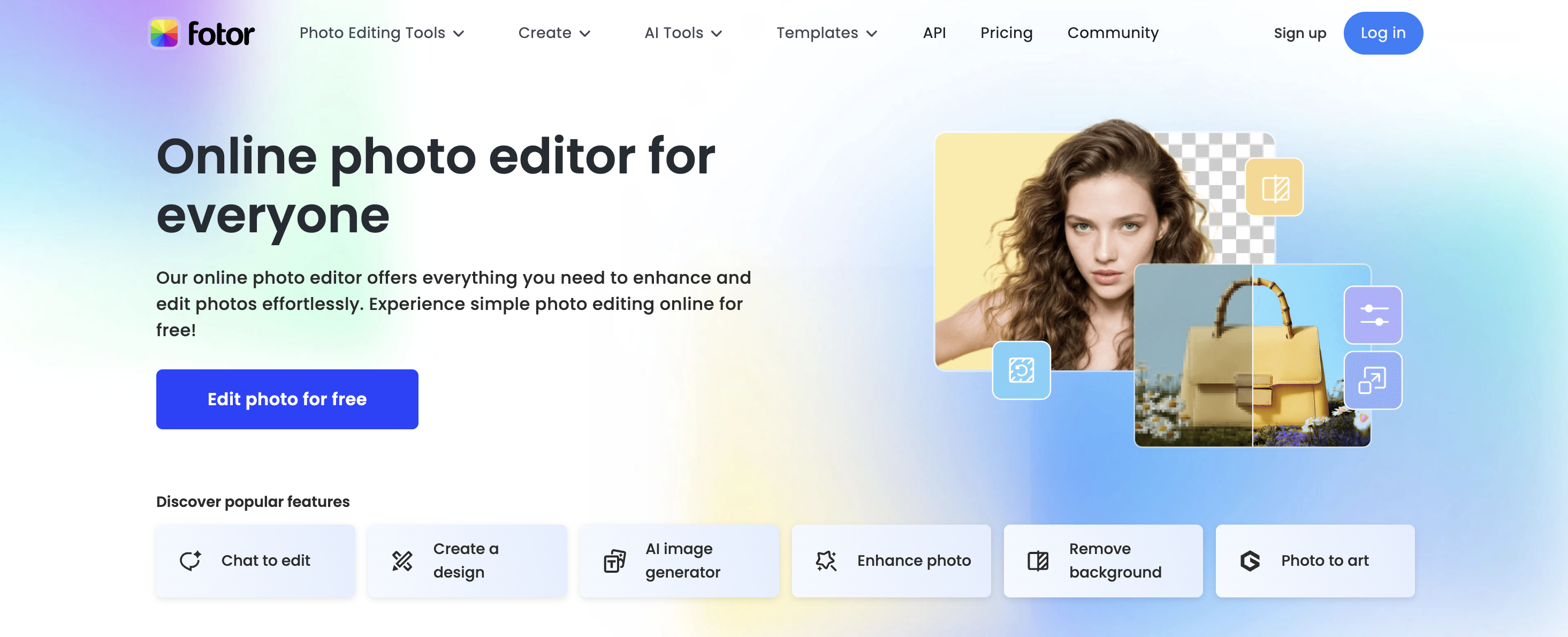
Fotor describes itself as an editor that offers “everything you need to enhance and edit photos effortlessly.” It combines traditional photo editing tools with AI-powered background features.
Key features:
Background remover
Background photo and color changer
Background blur
Remove unwanted objects
AI background generator
Other useful tools:
Enhance photo
Photo to art
AI expand
AI replace
Text to image
Filters and effects
And more
Final thoughts
Each of these tools is among the best photo background editors available today.
If you need a specialized tool built purely for background removal and replacement, remove.bg is the easiest and most accurate choice.
If you want all-in-one design capabilities with photo editing features, Canva is the clear winner.
Tools like Picsart, Fotor, and Photoroom provide great flexibility depending on whether you’re a creative editor, casual user, or e-commerce seller.
Ultimately, the best choice depends on your workflow and goals, but with these five editors, you’ll be able to create professional-looking images in minutes.
댓글
지금까지는 댓글이 없습니다.