Olet innokas remove.bg-käyttäjä ja tiedät, kuinka päästä eroon valokuvan taustasta nopeasti. Entäpä videot ja GIFit?
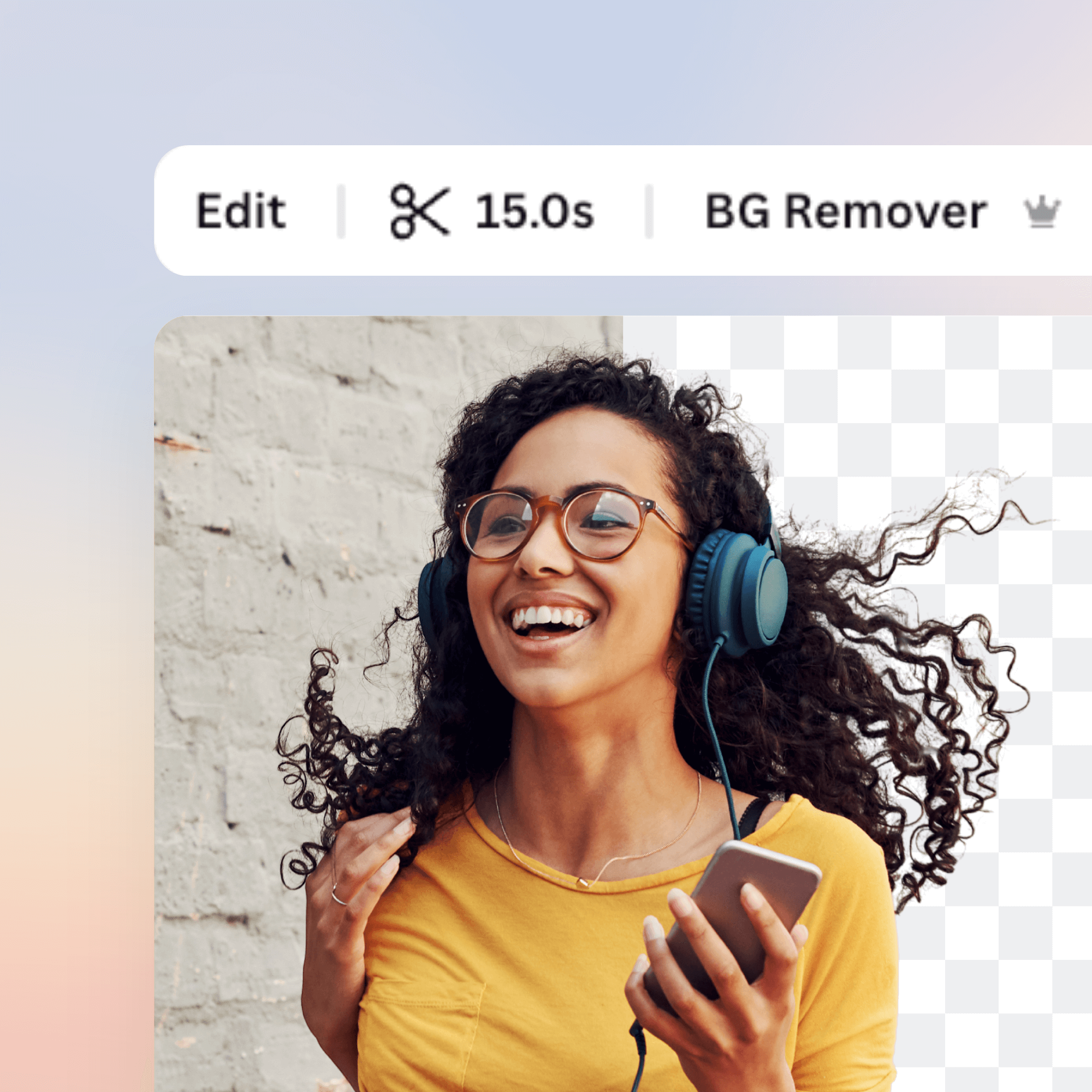
Esittelyssä Canvan Videotaustan Poistaja: Valitse video tai GIF ja sekunneissa näet saman klipin taustan poistettuna – täysin automaattisesti. Taustattomien videoiden tuottaminen ei ole koskaan ollut helpompaa!
Valitse klippisi, muokkaa sitä, lataa se ja jaa se heti. Kaikki verkossa ja ilmaiseksi!
Kommentit
If you have chosen Transparent as the new background, you can combine the two MP4 files (the alpha matte and the main video) in your video editing software for a final transparency-applied video layer. Here: unscreen.com/faq you can find our instructions for chosen programs.
However, recently we released an update which enables you to add a custom background to your video directly in Unscreen! You just need to select "Adjust settings" under the video you uploaded and here you can select one of our backgrounds or add your own.
There are currently no issues on our end, can you reach out to us at [email protected] and describe the problem? We will look into it!
Please remember that with Unscreen Pro you can download a video file!
If you're using the free version, the output video can be downloaded as a GIF, Animated PNG or ZIP file of single PNG/JPG frames.
Yes, you can easily do that - you just need to click on "Select file" under the video you uploaded. If you're using Unscreen Pro, you can find this feature under "Adjust settings" button.
Could you please reach out to us at [email protected] and describe your use case? I'm sure we will find a solution!