Kui olete agar remove.bg kasutaja, teate, kuidas kiiresti fototausta kõrvaldada. Aga mis on lood videotega ja GIFidega?
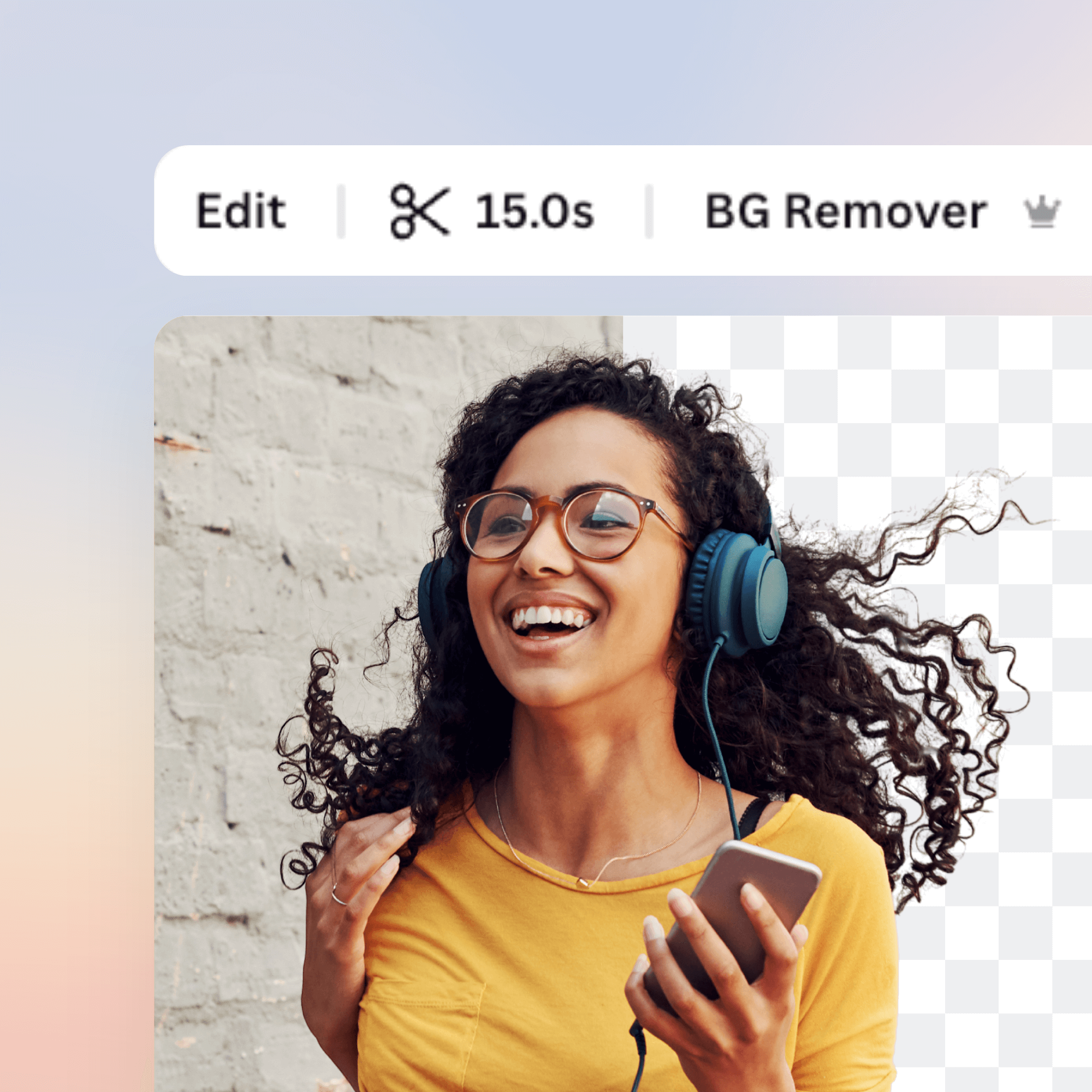
Tutvustame Canva videotausta eemaldajat: Valige video või GIF ja mõne sekundi jooksul näete sama klippi ilma taustata – kõik 100% automaatselt. Taustata video loomine pole kunagi varem olnud nii lihtne!
Valige oma klipp, redigeerige seda, laadige alla ja jagage kohe. Kõik internetis ja tasuta!
Kommentaarid
Please remember that Unscreen Pro supports audio when you download your file as MP4 or Pro Bundle. Adding music with the free Unscreen is not possible because the output formats GIF + APNG do not support audio tracks.
Can you please reach out to us at [email protected] so we can take a look?
'CAUSE THEY'RE AWESOME!!!!!!!!!!!!!!!!!!!!!!!!!!!!!!!!!!!!!!!!!!!!!!!!!!!!!!!!!!!!!!!!!!!!!!!!!!!!!!!!!!!!!!!!!!!!!!!!!!!!!!!!!
If you have chosen Transparent as the new background, you can combine the two MP4 files (the alpha matte and the main video) in your video editing software for a final transparency-applied video layer. Here: unscreen.com/faq you can find our instructions for chosen programs.
However, recently we released an update which enables you to add a custom background to your video directly in Unscreen! You just need to select "Adjust settings" under the video you uploaded and here you can select one of our backgrounds or add your own.
There are currently no issues on our end, can you reach out to us at [email protected] and describe the problem? We will look into it!